> ## Documentation Index
> Fetch the complete documentation index at: https://docs.bfl.ml/llms.txt
> Use this file to discover all available pages before exploring further.

# Single-Reference Editing

> Write edit instructions for one image in FLUX 3 Image: name the target, say what changes and what stays, specify colors with hex codes, quote new text, and know when to switch to box rows. Includes a catalog of edit types.

export const PromptDisplay = ({prompt}) => {
  const [copied, setCopied] = useState(false);
  const copy = () => {
    navigator.clipboard.writeText(prompt);
    setCopied(true);
    setTimeout(() => setCopied(false), 2000);
  };
  return <div className="not-prose" style={{
    marginTop: "1rem"
  }}>
      <div style={{
    backgroundColor: "#1a1a1a",
    borderRadius: "1rem",
    padding: "1.25rem 1.5rem",
    display: "flex",
    flexDirection: "column",
    gap: "1rem"
  }}>
        <p style={{
    color: "#e5e5e5",
    fontSize: "1rem",
    lineHeight: 1.6,
    margin: 0,
    fontFamily: "inherit"
  }}>
          {prompt}
        </p>
        <div style={{
    display: "flex",
    justifyContent: "flex-end"
  }}>
          <button onClick={copy} style={{
    backgroundColor: copied ? "#3d8a5b" : "var(--aspen-evergreen, #486A58)",
    color: "#fff",
    border: "none",
    borderRadius: "0.375rem",
    padding: "0.25rem 0.6rem",
    fontSize: "0.7rem",
    fontWeight: 600,
    cursor: "pointer",
    transition: "background-color 0.2s"
  }}>
            {copied ? "Copied!" : "Copy prompt"}
          </button>
        </div>
      </div>
    </div>;
};

export const ImageComparisonSlider = ({beforeImage, afterImage, beforeLabel = "Before", afterLabel = "After", height = "500px", objectFit = "cover", garmentImage, garmentLabel = "Garment reference"}) => {
  const [position, setPosition] = useState(50);
  const dialogRef = useRef(null);
  const openLightbox = () => {
    if (dialogRef.current && typeof dialogRef.current.showModal === "function") {
      dialogRef.current.showModal();
    }
  };
  const closeLightbox = () => {
    if (dialogRef.current && typeof dialogRef.current.close === "function") {
      dialogRef.current.close();
    }
  };
  const getPosition = (e, container) => {
    const rect = container.getBoundingClientRect();
    const clientX = e.touches ? e.touches[0].clientX : e.clientX;
    const x = clientX - rect.left;
    return Math.max(0, Math.min(100, x / rect.width * 100));
  };
  const onPointerDown = e => {
    e.preventDefault();
    e.stopPropagation();
    const container = e.currentTarget;
    setPosition(getPosition(e, container));
    const onMove = ev => {
      ev.preventDefault();
      setPosition(getPosition(ev, container));
    };
    const onUp = () => {
      window.removeEventListener("mousemove", onMove);
      window.removeEventListener("mouseup", onUp);
      window.removeEventListener("touchmove", onMove);
      window.removeEventListener("touchend", onUp);
    };
    window.addEventListener("mousemove", onMove);
    window.addEventListener("mouseup", onUp);
    window.addEventListener("touchmove", onMove, {
      passive: false
    });
    window.addEventListener("touchend", onUp);
  };
  return <div className="not-prose" style={{
    borderRadius: "1rem",
    overflow: "hidden",
    height,
    width: "100%"
  }}>
      <div onMouseDown={onPointerDown} onTouchStart={onPointerDown} onClick={e => {
    e.preventDefault();
    e.stopPropagation();
  }} style={{
    position: "relative",
    width: "100%",
    height,
    overflow: "hidden",
    cursor: "ew-resize",
    userSelect: "none",
    WebkitUserSelect: "none"
  }}>
        {}
        <img src={afterImage} alt={afterLabel} draggable={false} style={{
    position: "absolute",
    top: 0,
    left: 0,
    width: "100%",
    height: "100%",
    objectFit,
    pointerEvents: "none"
  }} />

        {}
        <div style={{
    position: "absolute",
    top: 0,
    left: 0,
    width: "100%",
    height: "100%",
    clipPath: `inset(0 ${100 - position}% 0 0)`
  }}>
          <img src={beforeImage} alt={beforeLabel} draggable={false} style={{
    display: "block",
    width: "100%",
    height: "100%",
    objectFit,
    pointerEvents: "none"
  }} />
        </div>

        {}
        <div style={{
    position: "absolute",
    top: 0,
    left: `${position}%`,
    transform: "translateX(-50%)",
    width: "3px",
    height: "100%",
    background: "rgba(255,255,255,0.85)",
    pointerEvents: "none",
    zIndex: 2
  }} />

        {}
        <div style={{
    position: "absolute",
    top: "50%",
    left: `${position}%`,
    transform: "translate(-50%, -50%)",
    width: "44px",
    height: "44px",
    borderRadius: "50%",
    background: "rgba(255,255,255,0.95)",
    border: "2px solid rgba(0,0,0,0.15)",
    display: "flex",
    alignItems: "center",
    justifyContent: "center",
    gap: "6px",
    zIndex: 3,
    pointerEvents: "none",
    boxShadow: "0 2px 8px rgba(0,0,0,0.3)"
  }}>
          {}
          <svg width="10" height="14" viewBox="0 0 10 14" fill="none" style={{
    marginRight: "-2px"
  }}>
            <path d="M8 1L2 7L8 13" stroke="#333" strokeWidth="2.5" strokeLinecap="round" strokeLinejoin="round" />
          </svg>
          {}
          <svg width="10" height="14" viewBox="0 0 10 14" fill="none" style={{
    marginLeft: "-2px"
  }}>
            <path d="M2 1L8 7L2 13" stroke="#333" strokeWidth="2.5" strokeLinecap="round" strokeLinejoin="round" />
          </svg>
        </div>

        {}
        <div style={{
    position: "absolute",
    top: "12px",
    left: "12px",
    padding: "4px 10px",
    borderRadius: "6px",
    background: "rgba(0,0,0,0.55)",
    backdropFilter: "blur(4px)",
    color: "#fff",
    fontSize: "0.75rem",
    fontWeight: 600,
    letterSpacing: "0.02em",
    pointerEvents: "none",
    zIndex: 4
  }}>
          {beforeLabel}
        </div>
        <div style={{
    position: "absolute",
    top: "12px",
    right: "12px",
    padding: "4px 10px",
    borderRadius: "6px",
    background: "rgba(0,0,0,0.55)",
    backdropFilter: "blur(4px)",
    color: "#fff",
    fontSize: "0.75rem",
    fontWeight: 600,
    letterSpacing: "0.02em",
    pointerEvents: "none",
    zIndex: 4
  }}>
          {afterLabel}
        </div>

        {}
        {garmentImage && <div onMouseDown={e => e.stopPropagation()} onTouchStart={e => e.stopPropagation()} onClick={e => {
    e.preventDefault();
    e.stopPropagation();
    openLightbox();
  }} title={`${garmentLabel} — click to enlarge`} style={{
    position: "absolute",
    bottom: "12px",
    right: "12px",
    height: "140px",
    maxWidth: "40%",
    borderRadius: "8px",
    overflow: "hidden",
    cursor: "zoom-in",
    background: "rgba(255,255,255,0.95)",
    border: "2px solid rgba(255,255,255,0.9)",
    boxShadow: "0 2px 12px rgba(0,0,0,0.45)",
    zIndex: 5,
    display: "flex",
    alignItems: "center",
    justifyContent: "center"
  }}>
            <img src={garmentImage} alt={garmentLabel} draggable={false} style={{
    height: "100%",
    width: "auto",
    objectFit: "contain",
    pointerEvents: "none"
  }} />
          </div>}
      </div>

      {}
      {garmentImage && <dialog ref={dialogRef} onClick={closeLightbox} onClose={closeLightbox} style={{
    padding: 0,
    border: "none",
    background: "transparent",
    maxWidth: "100vw",
    maxHeight: "100vh",
    width: "100vw",
    height: "100vh",
    overflow: "hidden"
  }}>
          <div onClick={closeLightbox} style={{
    width: "100vw",
    height: "100vh",
    background: "rgba(0,0,0,0.88)",
    display: "flex",
    alignItems: "center",
    justifyContent: "center",
    cursor: "zoom-out",
    padding: "40px",
    boxSizing: "border-box"
  }}>
            <img src={garmentImage} alt={garmentLabel} onClick={e => e.stopPropagation()} style={{
    maxWidth: "90vw",
    maxHeight: "90vh",
    objectFit: "contain",
    borderRadius: "8px",
    boxShadow: "0 8px 32px rgba(0,0,0,0.6)",
    cursor: "default"
  }} />
          </div>
        </dialog>}
    </div>;
};

Send one image in `images` and describe the change in `prompt`. For the request format, see [Image editing](/guides/prompting_editing_overview).

## Write the instruction

Write the instruction in three parts:

1. **Name the target precisely enough that only one thing matches.** For a flock, specify the bird's position and appearance. Pick it out by position, size, color, or what it's next to.
2. **Say what changes, and into what.** "Replace the flower with a slice of lemon." "Change the jacket from red to blue." Name the element as it is now and as it should be.
3. **Name any details that matter.** When a specific detail must stay, name it: "keep her pose", "keep the lace embroidery white".

### FLUX 3 example: recolor two elements, keep the rest

<ImageComparisonSlider beforeImage={"https://cdn.sanity.io/images/2gpum2i6/production/b6476b163e11444d6d5490ac1fa1e610d4eab85e-1360x768.webp"} afterImage={"https://cdn.sanity.io/images/2gpum2i6/production/3c884e72074d330bd62f27e8d222b294b855eb74-1360x768.webp"} beforeLabel="Source" afterLabel="FLUX 3 Image edit" height="420px" />

<PromptDisplay prompt="In <ref_image_0>, change the large tiger <animal_1> and the small glowing butterfly <insect_1> to be pink. Keep the massive fallen log <log_1>, the falling snow <snow_1>, and the dark background trees <trees_1> exactly unchanged." />

The prompt names both targets by what they are ("the large tiger", "the small glowing butterfly"), states the change once, and lists the three things that must not change. The tiger's stripes, the snow on its fur, and the butterfly's glow carry over; only the color changes.

This example comes from the FLUX 3 launch post, where it was sent with box rows: `<ref_image_0>` is the first image in `images`, and each `<id>` token matches a row at the end of the prompt. [Edit with boxes](/flux_3/flux3_image_bounding_boxes#edit-an-image) shows the full rows. For a plain written edit, keep the same sentence structure and leave out the tokens.

## Specify colors, text, and positions

Words like "pink" or "near the top" leave room for interpretation. When the exact value matters, write the value:

| To get | Write | Example |
| - | - | - |
| A target color | A hex code | “change the color of only one bird in the middle to #e01075” |
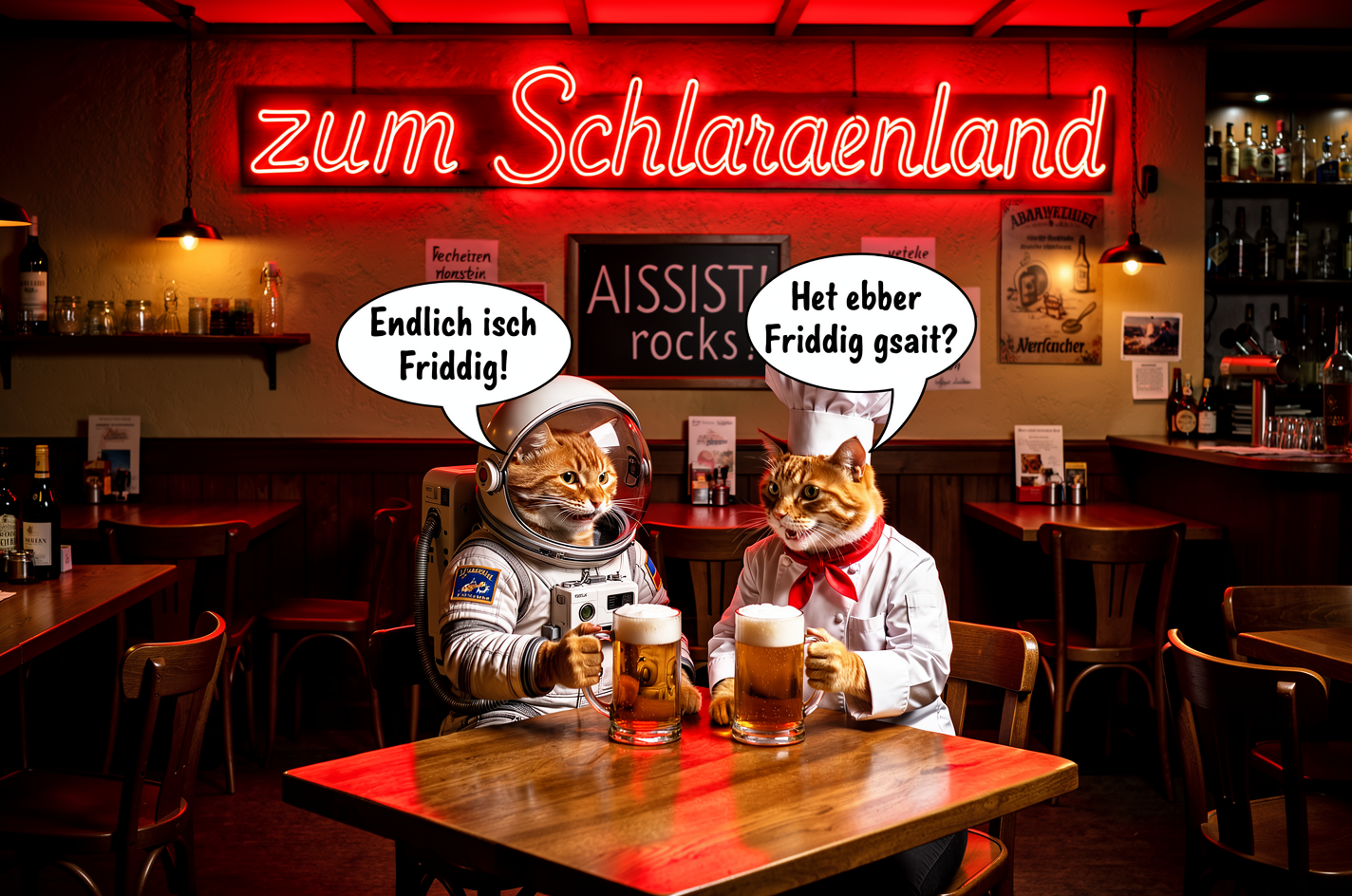
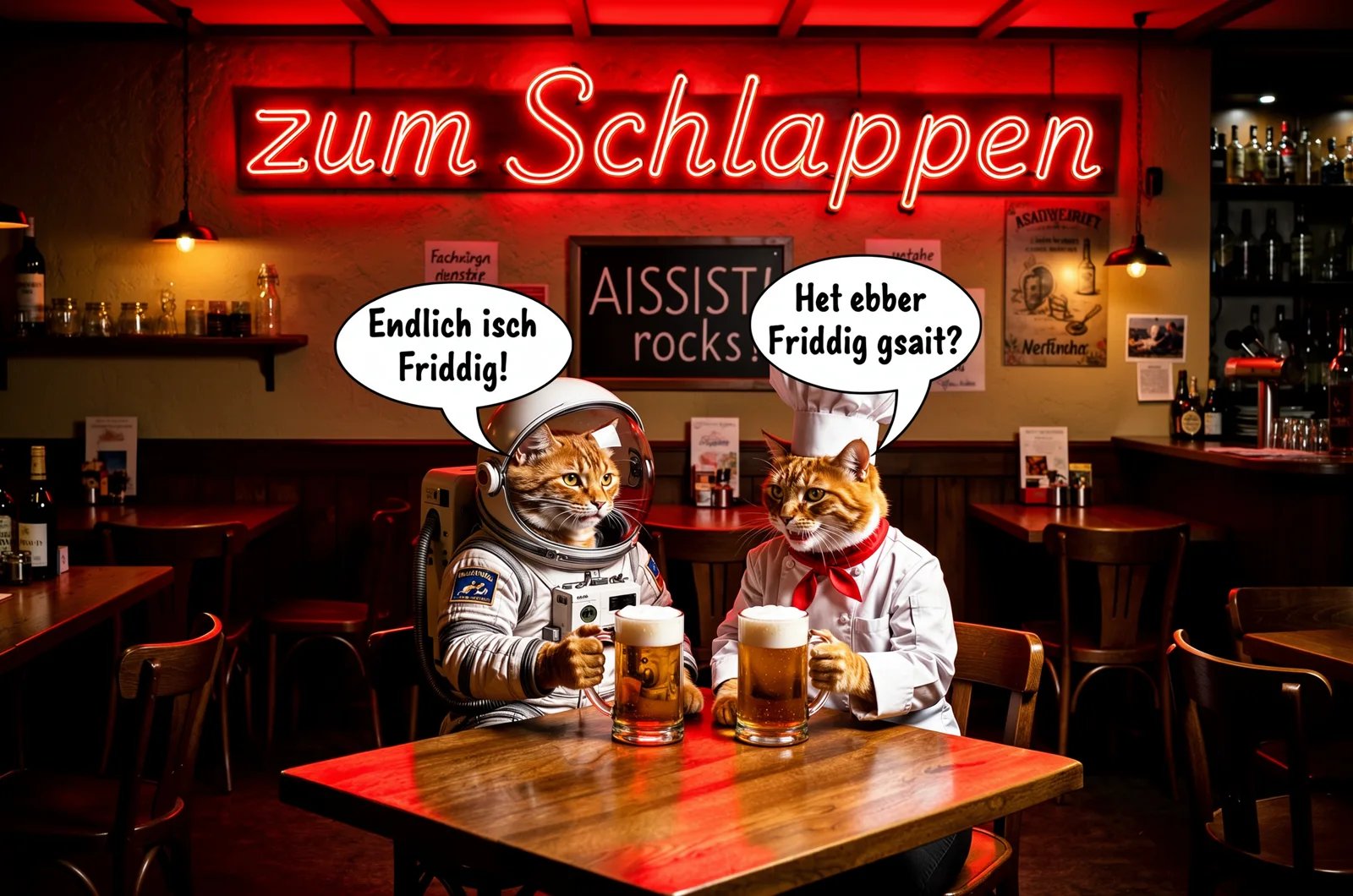
| Exact words | The text in quotes, plus where it goes | “Change the text on the neon sign to ‘zum Schlappen’” |
| A specific place | A region of the frame | “On the lower left path, replace the tiny wolf with a cyberpunk dog” |
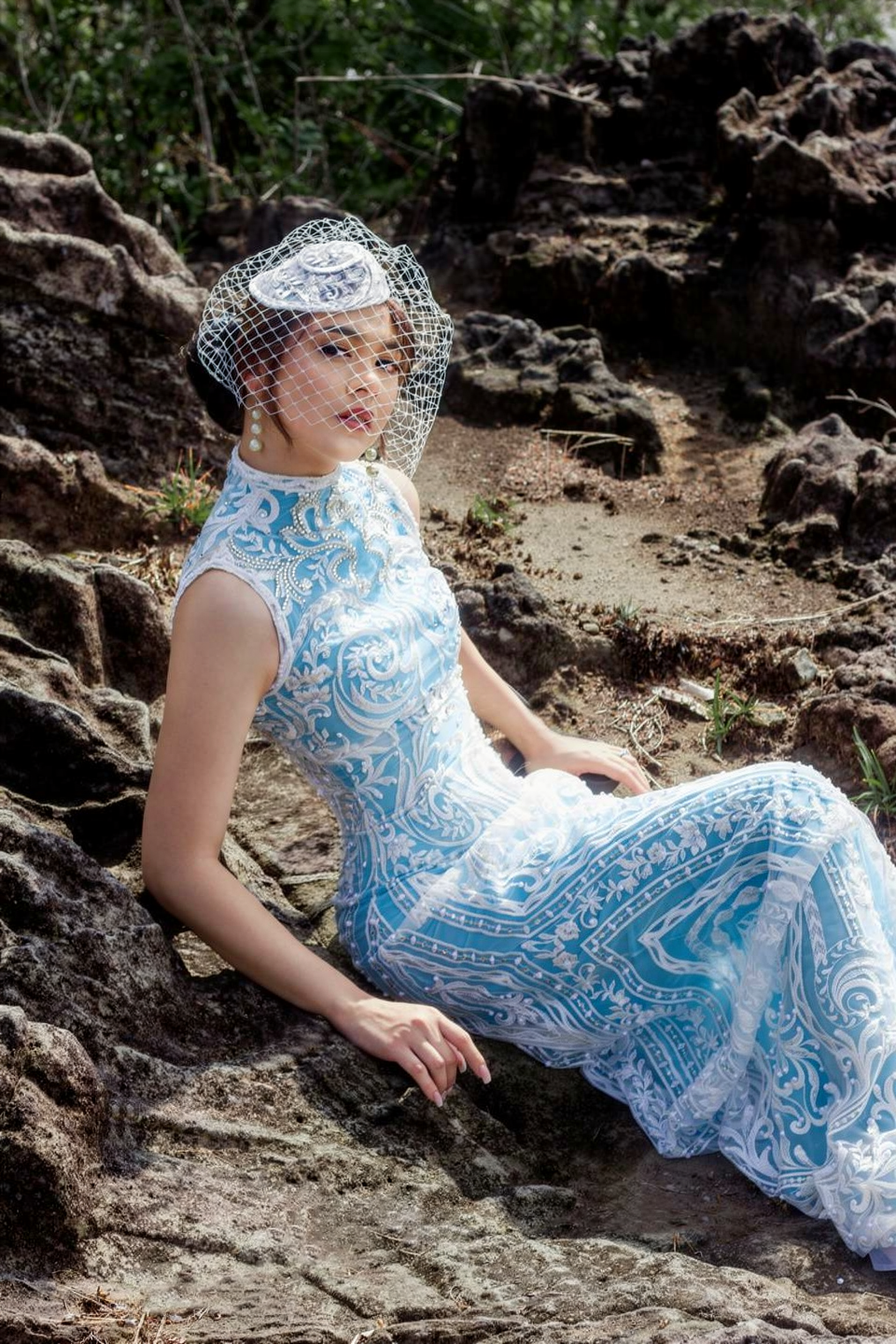
| A preserved detail | The detail by name | “keeping all lace embroidery details white and fully visible” |

FLUX 3 renders text in images, including multi-line poster typography. For a text edit, quote the exact words and describe their placement and style ("in handwritten pink marker, diagonally across the top photo").

## Make several changes in one prompt

For a multi-part edit, write an edit record: name the image and the operation, give each change with its location, then list what stays. This is the pattern the FLUX 3 launch examples use:

1. **Name the image and the operation.** "Modify `<ref_image_0>` by making three replacements."
2. **Give each change: where, what, and into what.** "On the lower left path, replace the tiny anthropomorphic wolf with a cyberpunk dog."
3. **List what stays.** "Keep the rest of the scene exactly unchanged, preserving the stone lantern, the frozen stream…"

### FLUX 3 example: three replacements at once

<ImageComparisonSlider beforeImage={"https://cdn.sanity.io/images/2gpum2i6/production/fa34bced7273bdc735dad58a65c225d8d5ff63e6-1360x768.webp"} afterImage={"https://cdn.sanity.io/images/2gpum2i6/production/2954729279a1bf4838c24b7ff66f024c32bd38f7-1360x768.webp"} beforeLabel="Source" afterLabel="FLUX 3 Image edit" height="420px" />

<PromptDisplay prompt="Modify <ref_image_0> by making three replacements. On the lower left path, replace the tiny anthropomorphic wolf with a cyberpunk dog <wolf_1>. On the lower right, replace the fallen frosted bamboo log with a fallen bamboo leaf made out of gold <log_1>. In the middle of the misty forest, replace the small dark bird perched on a branch with a bird made out of a robot <bird_1>. Keep the rest of the scene exactly unchanged, preserving the dense upper bamboo leaves <bamboo_1>, the vertical bamboo trunks <bamboo_2> receding into the fog, the frosted ground and lower stalks <bamboo_3>, the dramatic slanting sunbeams <light_1>, the thick foreground bamboo trunk <bamboo_4> on the right, the frozen stream <stream_1>, the stone lantern <lantern_1>, and the floating frost flakes <particles_1>." />

Each replacement names its location and subject to distinguish the targets. The preserve list names every major element of the scene, not only "the rest of the image". This edit was also sent with box rows; [Edit with boxes](/flux_3/flux3_image_bounding_boxes#edit-an-image) has the full request.

## When to switch to box rows

A written instruction is enough when only one thing in the image matches your description. Add box rows to the prompt when:

* Several similar things match and you want to change one of them, such as one car in a row of parked cars.
* The change needs an exact position or size.
* You want to move or resize an element and keep it otherwise the same.
* You want to remove one specific object and let FLUX 3 fill the space it leaves.
* You want to keep specific elements in place while you change others.

Each row names one element and gives its boxes on a 0–1000 grid: where it is in the source image and where it belongs in the output. [Edit with boxes](/flux_3/flux3_image_bounding_boxes#edit-an-image) explains the row types and has a complete request.

## Edit types

The catalog below covers the most common single-image edits, each with the prompt that produced it. Results captioned "FLUX 3 Image" were generated with FLUX 3 Image. The rest were generated with FLUX.2.

***

### Background Replacement

Change or replace the background while keeping the subject intact. Describe the new setting and its lighting so the subject fits into it.

<AccordionGroup>
  <Accordion title="Can on a black surface">
    <ImageComparisonSlider beforeImage="https://cdn.sanity.io/images/2gpum2i6/production/319364be1cd918c09e9b7d58045020dde9a6b245-3008x2000.jpg" afterImage="https://cdn.sanity.io/images/2gpum2i6/production/f30cc780d66ec4db86a2e2b7c62e9d1853b40c8e-1440x944.png" beforeLabel="Source" afterLabel="FLUX.2 edit" height="500px" />

    <PromptDisplay prompt="Place this can on top of a minimalistic black shiny surface on black background" />
  </Accordion>

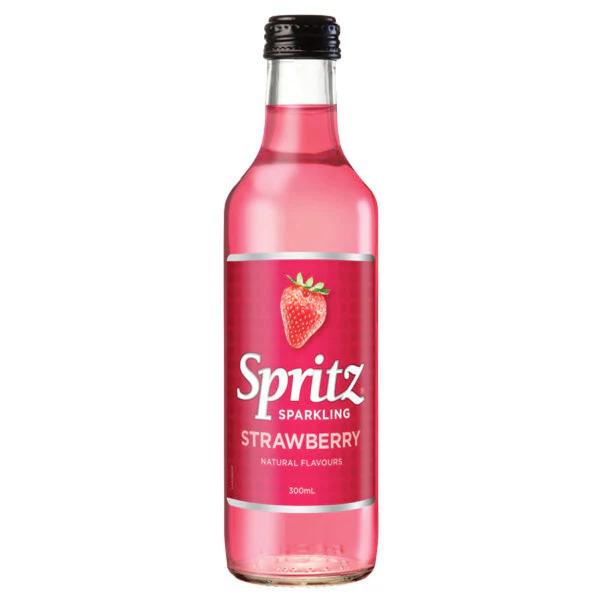
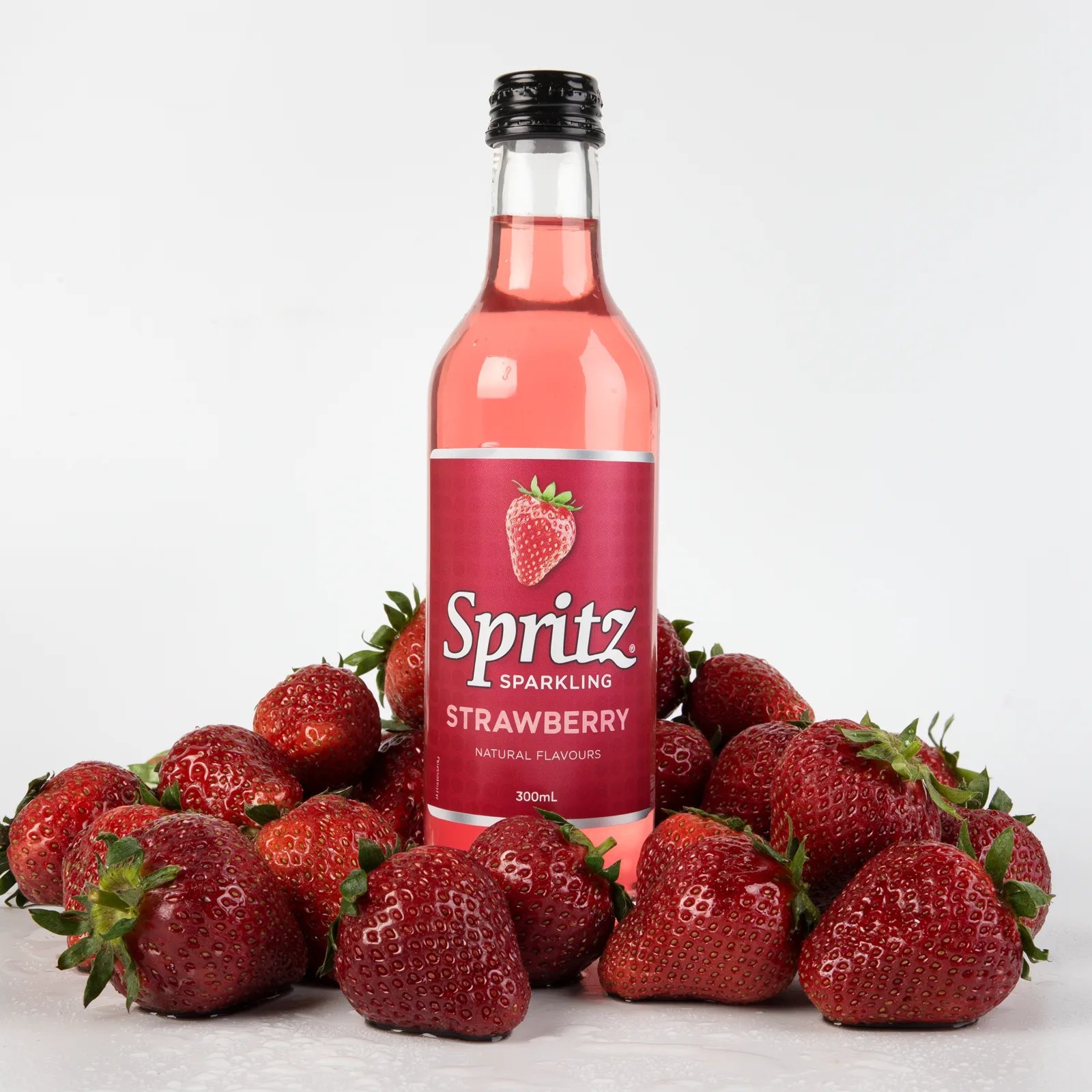
  <Accordion title="Bottle in strawberries">
    <Columns cols={2}>
      <Frame>
        <img src="https://cdn.sanity.io/images/2gpum2i6/production/40f4afc4e8663ce9087e66d998ca5fed48860a03-600x600.webp" alt="Input: bottle product photo" />
      </Frame>

      <Frame caption="FLUX 3 Image">
        <img src="https://mintcdn.com/bfl/2M9j52sP07XkdzRL/images/flux3-image/regen/F2-29.webp?fit=max&auto=format&n=2M9j52sP07XkdzRL&q=85&s=a0985537cbe1512f53784a0a58fc95f8" alt="Output: the Spritz bottle standing in a pile of wet strawberries on a white background" width="1600" height="1600" data-path="images/flux3-image/regen/F2-29.webp" />
      </Frame>
    </Columns>

    <PromptDisplay prompt="a professional high end product shot of this bottle in a pile of fresh wet strawberries on white background, studio lighting" />
  </Accordion>

  <Accordion title="Scene replacement">
    <Columns cols={2}>
      <Frame>
        <img src="https://cdn.sanity.io/images/2gpum2i6/production/f0d1483a17bec23427792d50abed3e3579d0d8e1-752x1360.png" alt="Input: subject with original background" />
      </Frame>

      <Frame caption="FLUX.2 result">
        <img src="https://cdn.sanity.io/images/2gpum2i6/production/881c68c1e53a44d57fbdd84d7b64820b11a34b24-752x1360.png" alt="Output: subject in cozy home environment" />
      </Frame>
    </Columns>

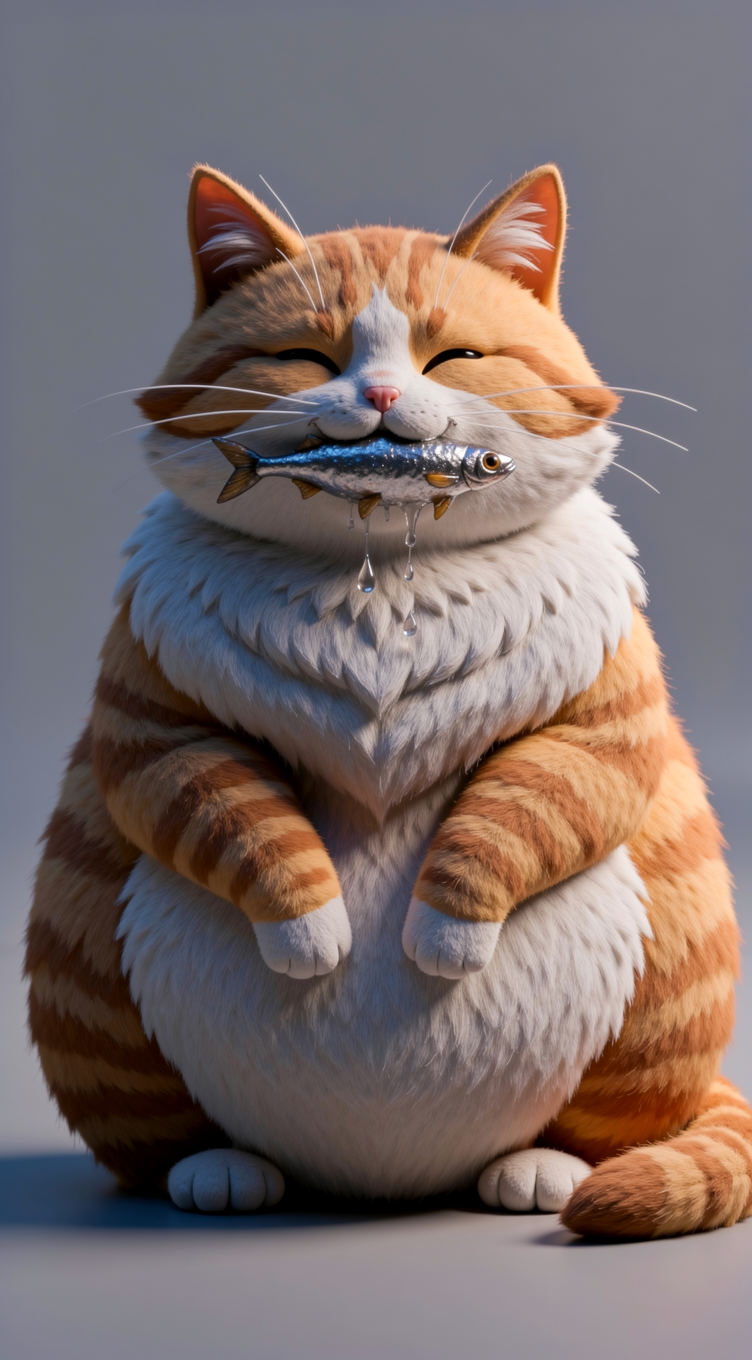
    <PromptDisplay prompt="Replace the background with a warm cozy home environment." />
  </Accordion>
</AccordionGroup>

***

### Style Transfer

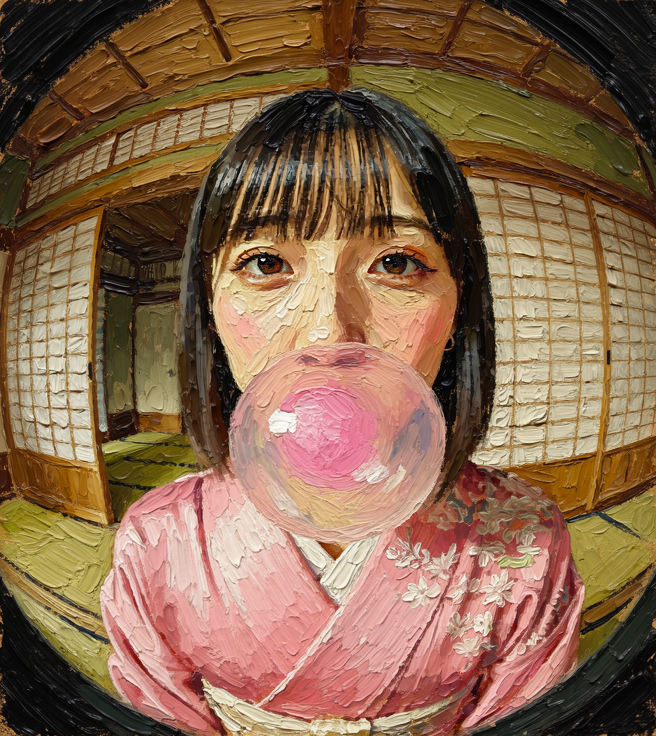
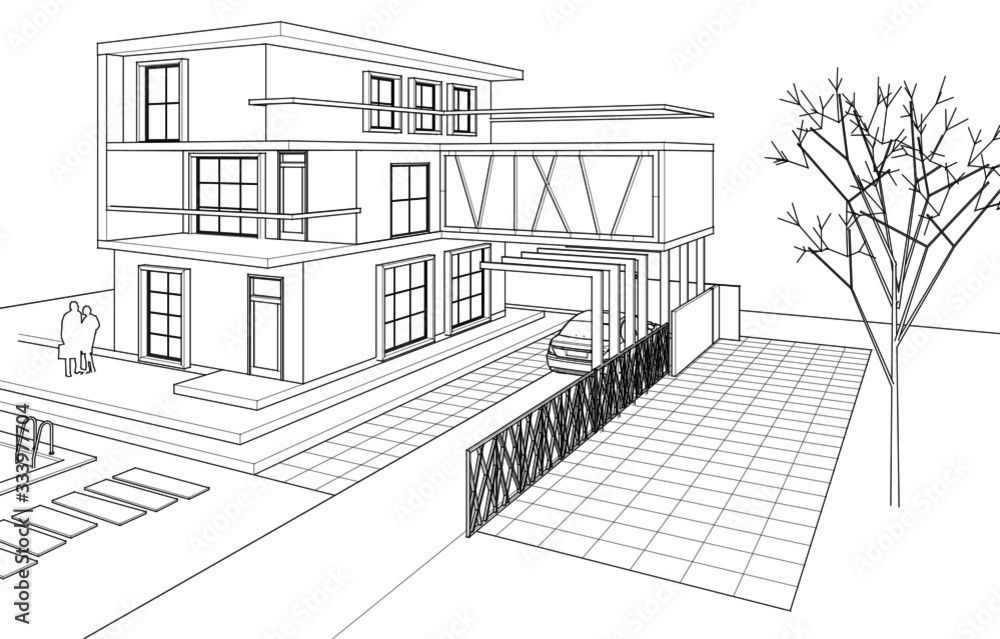
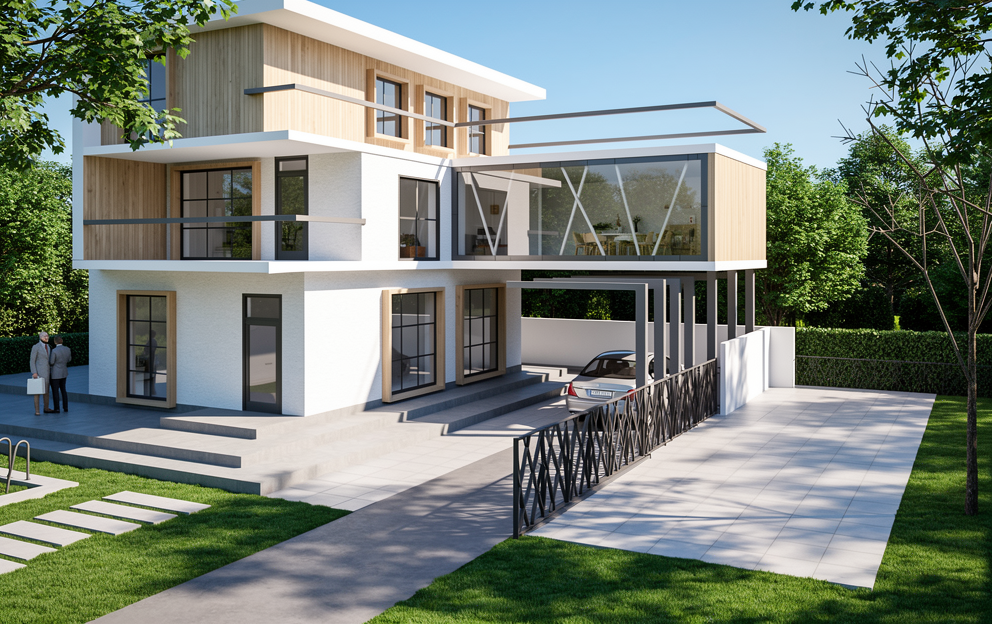
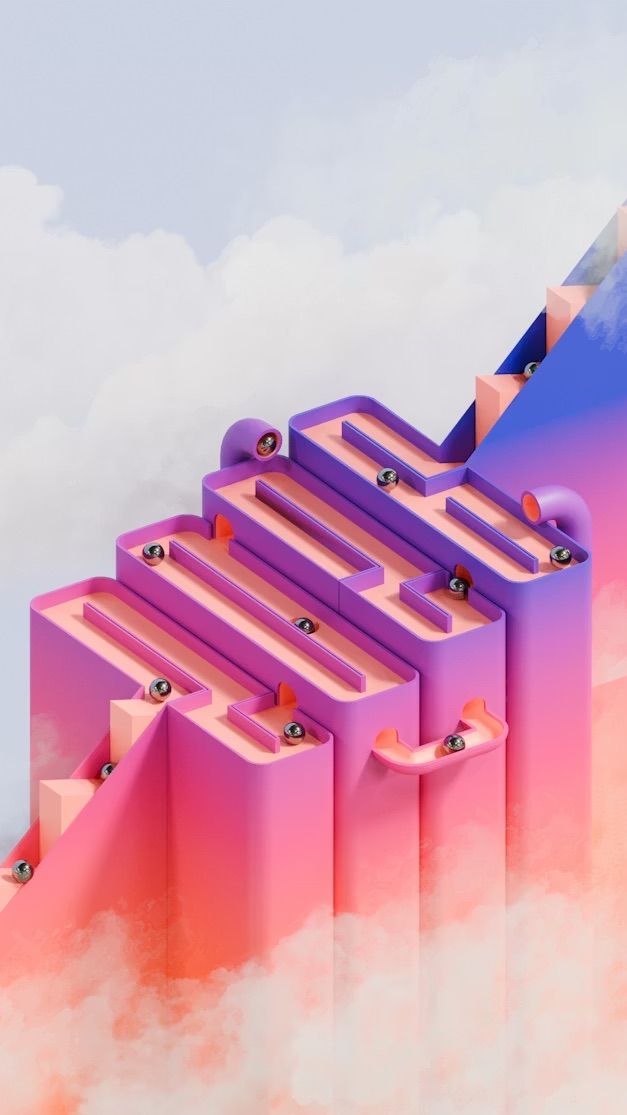
Change the visual style or medium of an image, from illustration to photorealism or from photo to painting. Say what should keep its shape: "keep the proportions and layout exactly as in the illustration".

<AccordionGroup>
  <Accordion title="Photo to oil painting">
    <Columns cols={2}>
      <Frame>
        <img src="https://cdn.sanity.io/images/2gpum2i6/production/ef75babb2f3e56a3e4acef468fa5bac88a5e672f-656x736.png" alt="Input: original photo" />
      </Frame>

      <Frame caption="FLUX.2 result">
        <img src="https://cdn.sanity.io/images/2gpum2i6/production/aec799c192472171eeac5da0be614ca865bc76c2-656x736.png" alt="Output: oil painting style" />
      </Frame>
    </Columns>

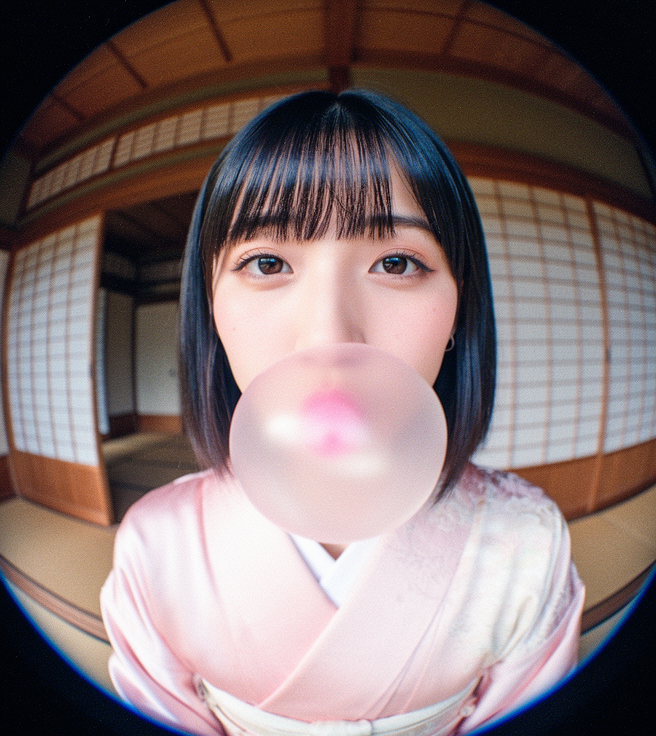
    <PromptDisplay prompt="Turn the image into an oil painting with thick, textured brushstrokes" />
  </Accordion>

  <Accordion title="Illustration to photorealism">
    <Columns cols={2}>
      <Frame>
        <img src="https://cdn.sanity.io/images/2gpum2i6/production/5298b857f3f80c33dc6eb0c69e11a94234a76267-1000x639.jpg" alt="Input: architectural illustration" />
      </Frame>

      <Frame caption="FLUX.2 result">
        <img src="https://cdn.sanity.io/images/2gpum2i6/production/90fe9dafd99234d2a16e0efecdc0e04c7cedff6c-992x624.png" alt="Output: photorealistic house" />
      </Frame>
    </Columns>

    <PromptDisplay prompt="Transform the architectural illustration from image 1 into a fully realistic house, natural lighting, real textures for walls windows and roof, realistic landscaping around the house, accurate shadows, real materials such as wood stone and glass, high resolution photorealism, clean perspective, keep the proportions and layout exactly as in the illustration while turning every element into a believable real world version." />
  </Accordion>

  <Accordion title="Reskin to mountain vista">
    <Columns cols={2}>
      <Frame>
        <img src="https://cdn.sanity.io/images/2gpum2i6/production/00f3de86b945fb15ebf80fedb73bf25613a6cc63-627x1115.jpg" alt="Input: abstract artwork" />
      </Frame>

      <Frame caption="FLUX.2 result">
        <img src="https://cdn.sanity.io/images/2gpum2i6/production/ff9926cc9f8fda72cef2423a74bb8837aa2a1b42-624x1104.jpg" alt="Output: mountain vista transformation" />
      </Frame>
    </Columns>

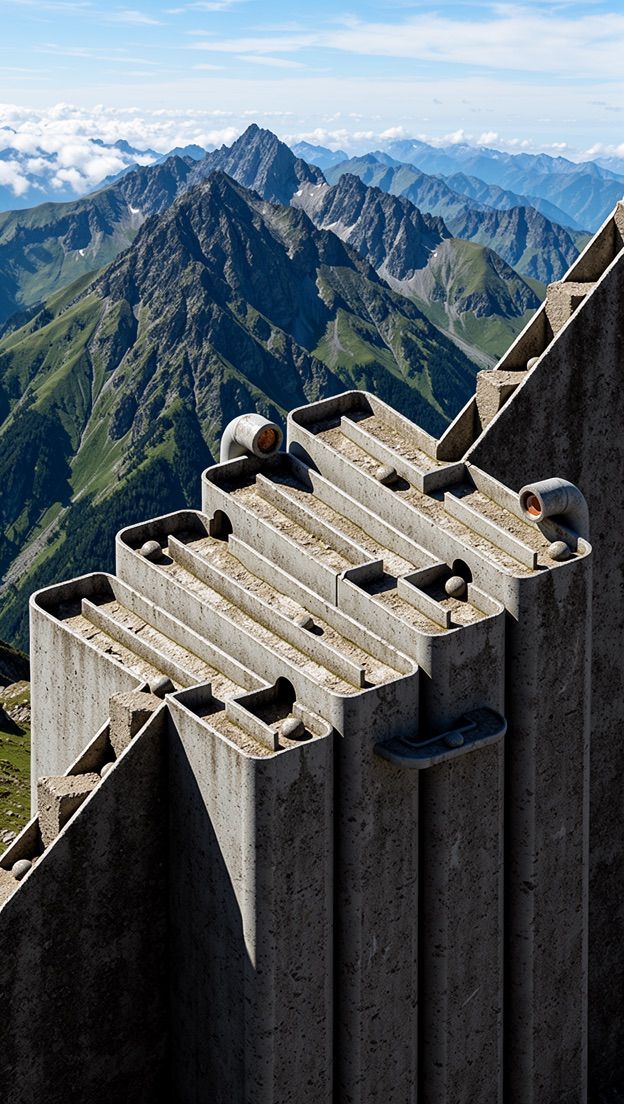
    <PromptDisplay prompt="Reskin this into a realistic mountain vista" />
  </Accordion>
</AccordionGroup>

***

### Object Manipulation

Add, remove, or replace objects in a scene. Be specific about what should change and what should stay. With FLUX 3 Image, if the object you want to remove or replace is one of several similar ones, use a [box row](/flux_3/flux3_image_bounding_boxes#edit-an-image) to point at it.

<AccordionGroup>
  <Accordion title="Remove object">
    <Columns cols={2}>
      <Frame>
        <img src="https://cdn.sanity.io/images/2gpum2i6/production/9cb1c9770442822cf7ee63402d80f6a002099421-4190x2796.jpg" alt="Input: image with sprinkles" />
      </Frame>

      <Frame caption="FLUX.2 result">
        <img src="https://cdn.sanity.io/images/2gpum2i6/production/2136a5de05310685e6123c9b6851444cb3594c98-1440x960.png" alt="Output: sprinkles removed" />
      </Frame>
    </Columns>

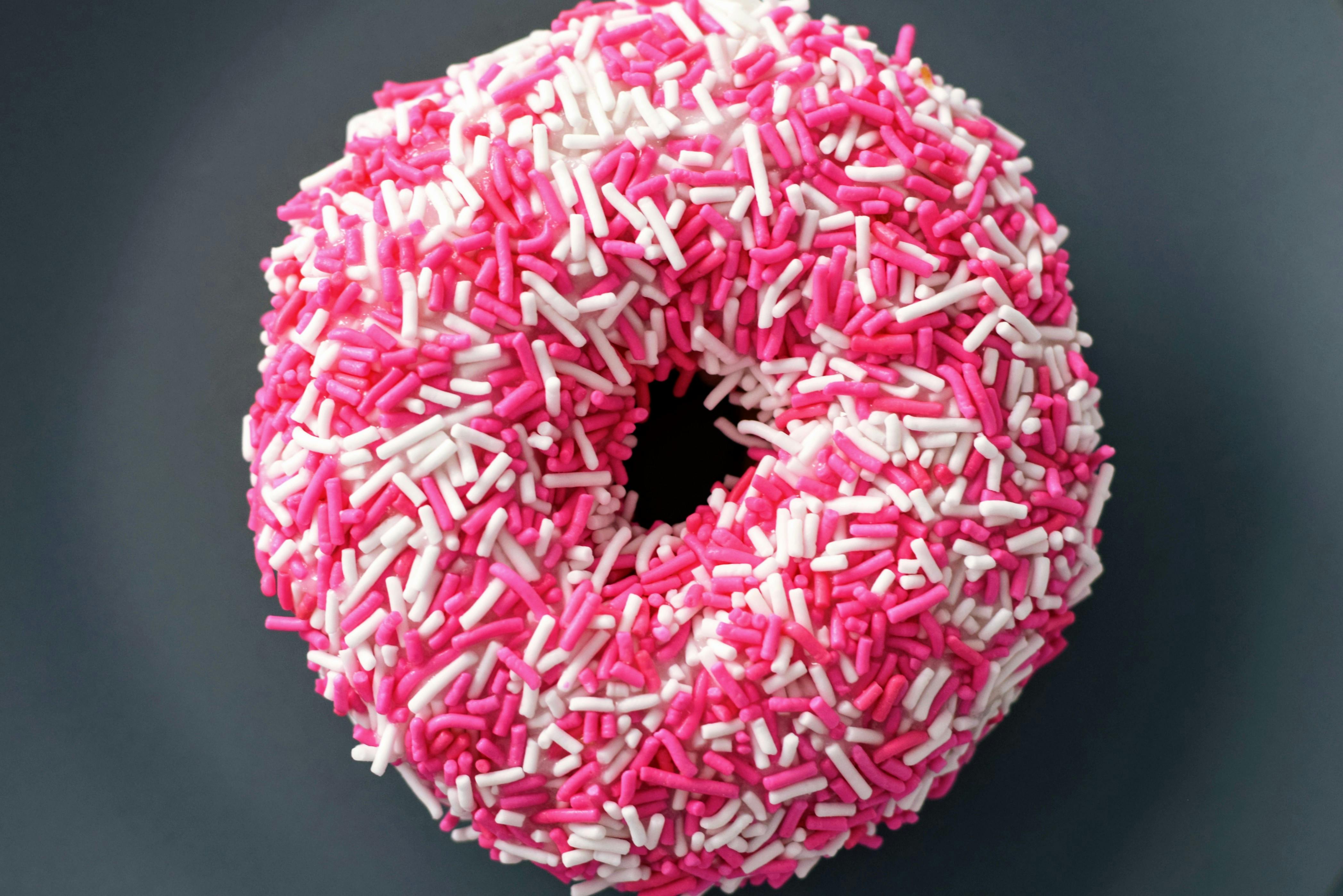
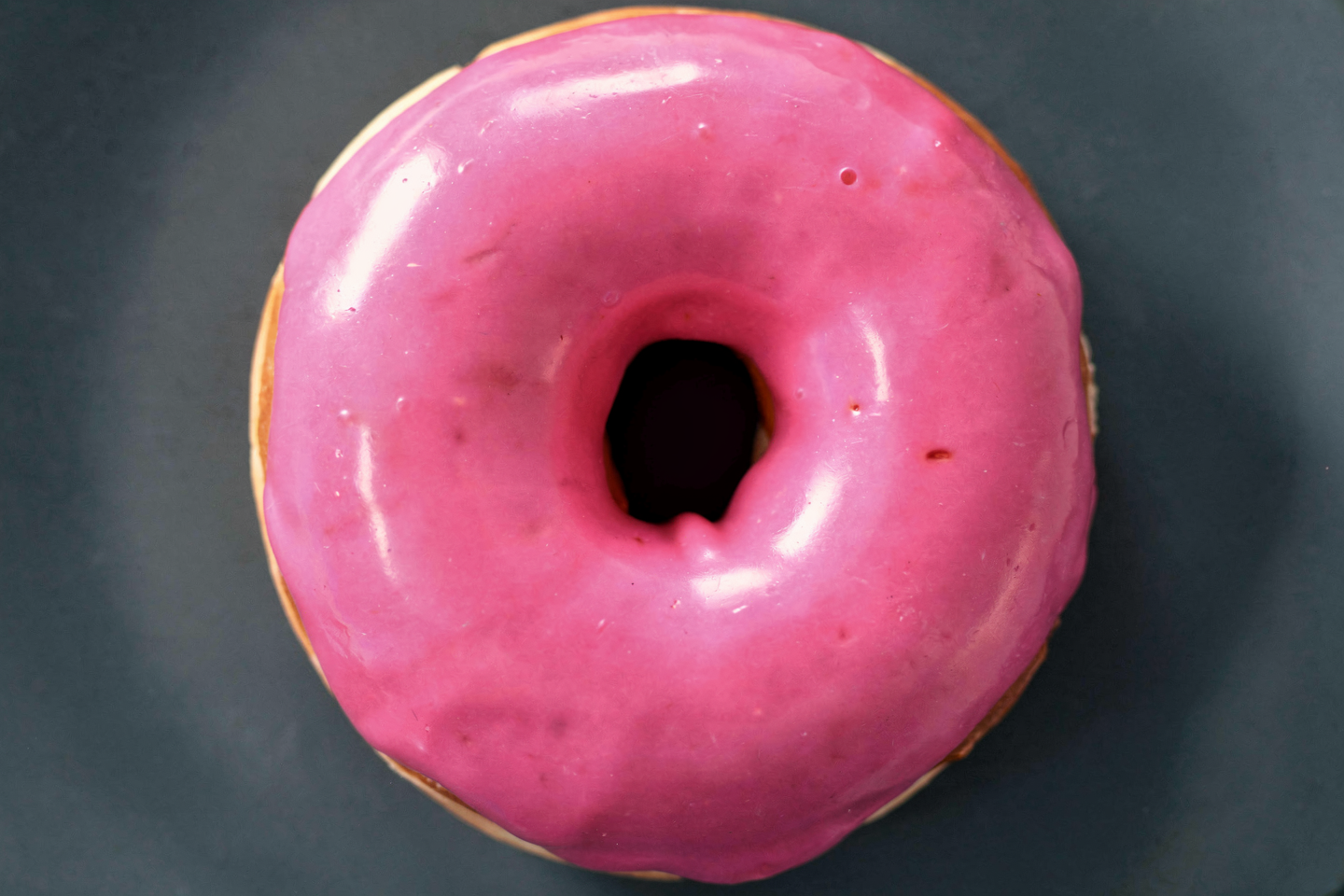
    <PromptDisplay prompt="Remove all of the sprinkles while keeping the rest of the image unchanged" />
  </Accordion>

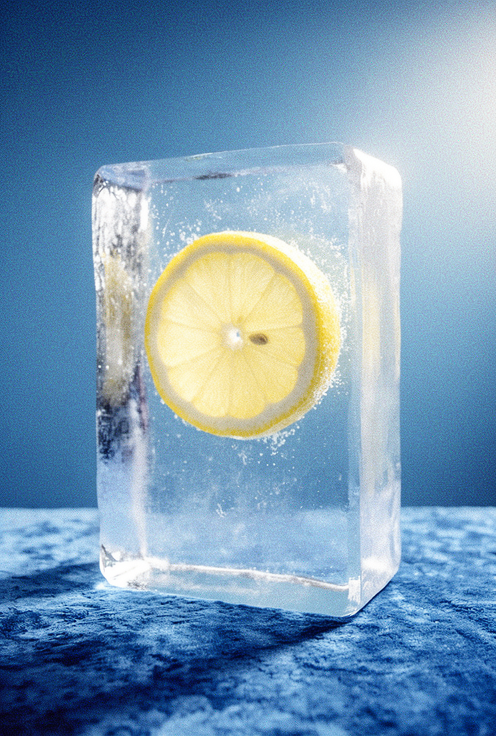
  <Accordion title="Replace object">
    <Columns cols={2}>
      <Frame>
        <img src="https://cdn.sanity.io/images/2gpum2i6/production/e163342d136d60e1eeea536cfc2ee6fc71b9ce4d-496x736.png" alt="Input: image with flower" />
      </Frame>

      <Frame caption="FLUX.2 result">
        <img src="https://cdn.sanity.io/images/2gpum2i6/production/1bf1dc0a4964f33fc848c9a7852cfef8ca17ad3a-496x736.png" alt="Output: flower replaced with lemon slice" />
      </Frame>
    </Columns>

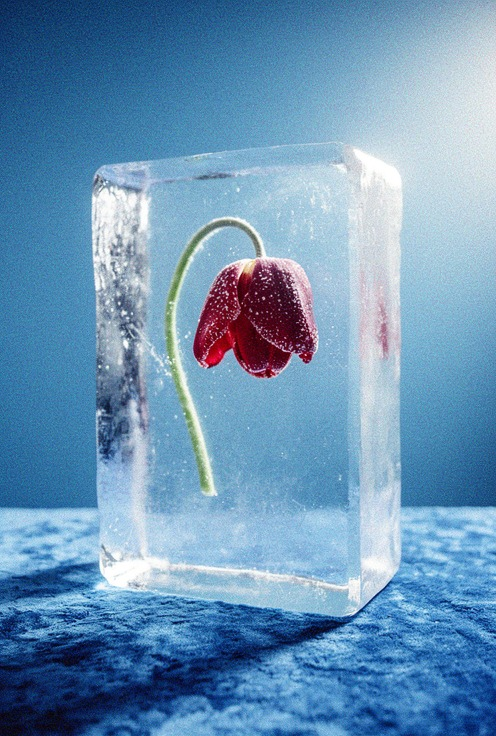
    <PromptDisplay prompt="Replace the flower in image 1 with a slice of lemon" />
  </Accordion>

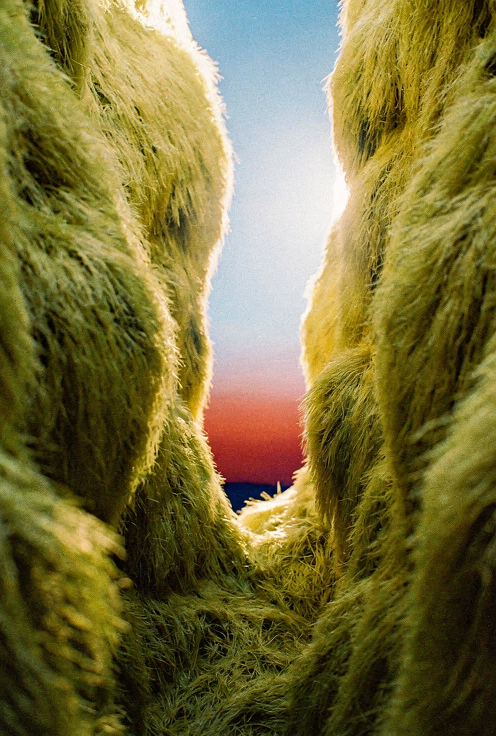
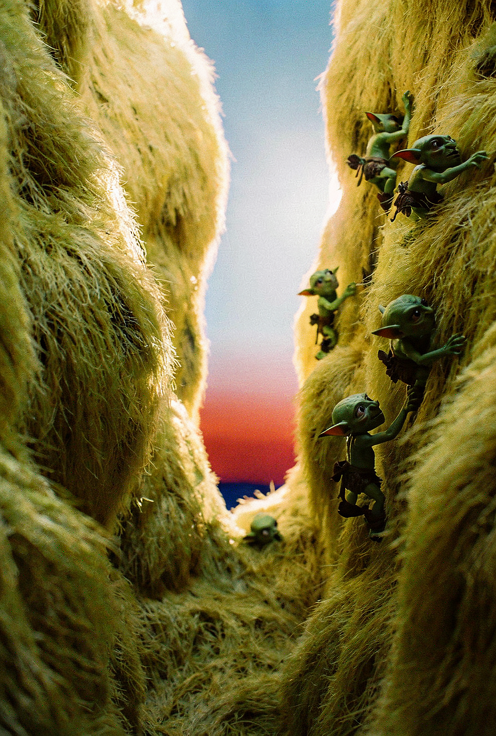
  <Accordion title="Add object">
    <Columns cols={2}>
      <Frame>
        <img src="https://cdn.sanity.io/images/2gpum2i6/production/df06372ee169f763ad923dee2ee8ddd0c60b9d65-496x736.png" alt="Input: gorge scene" />
      </Frame>

      <Frame caption="FLUX.2 result">
        <img src="https://cdn.sanity.io/images/2gpum2i6/production/5b64c3f4c5c0e17aacd975118939285d33c833c1-496x736.png" alt="Output: goblins added to gorge wall" />
      </Frame>
    </Columns>

    <PromptDisplay prompt="Add small goblins climbing the right wall of the gorge" />
  </Accordion>

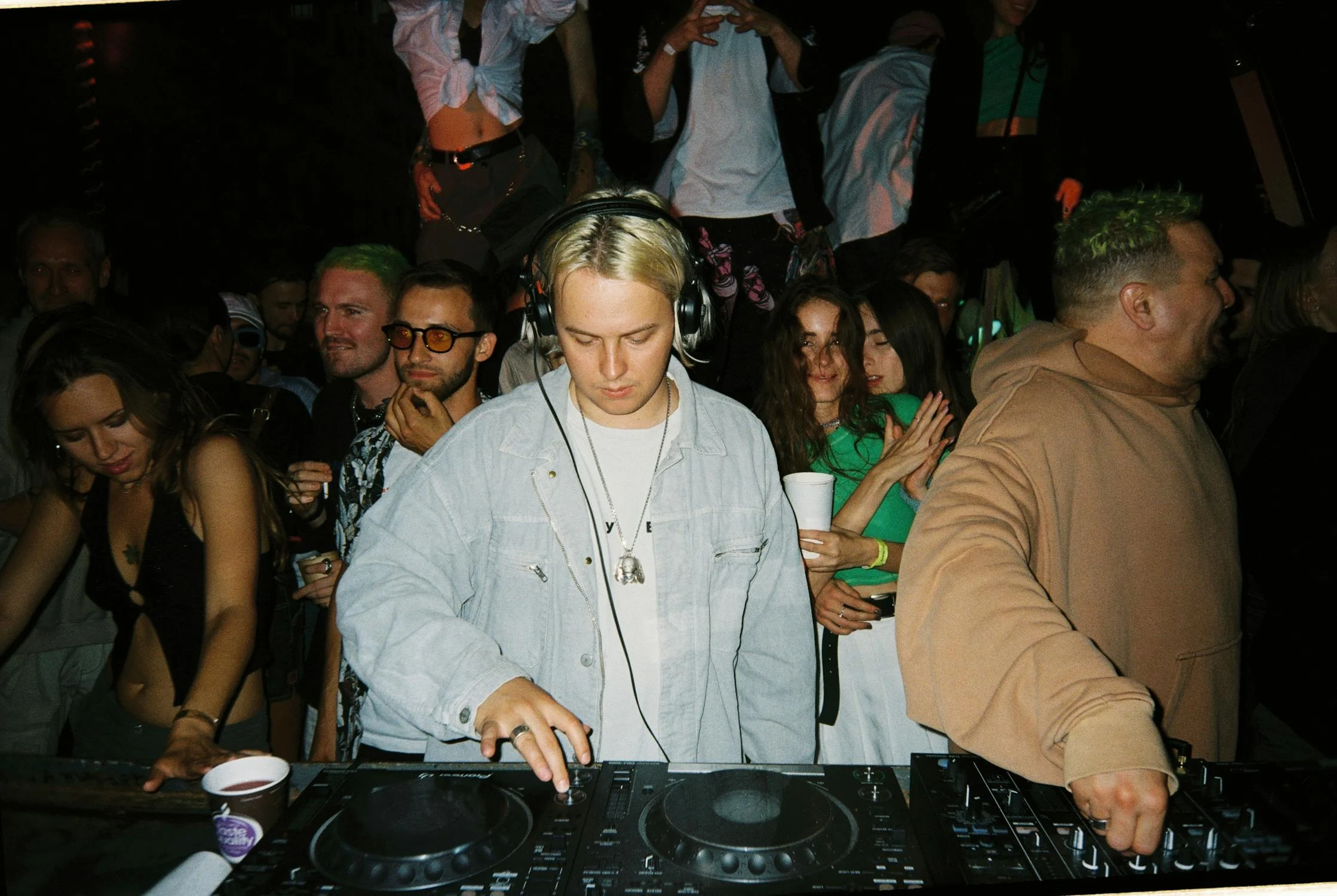
  <Accordion title="Replace subject">
    <Columns cols={2}>
      <Frame>
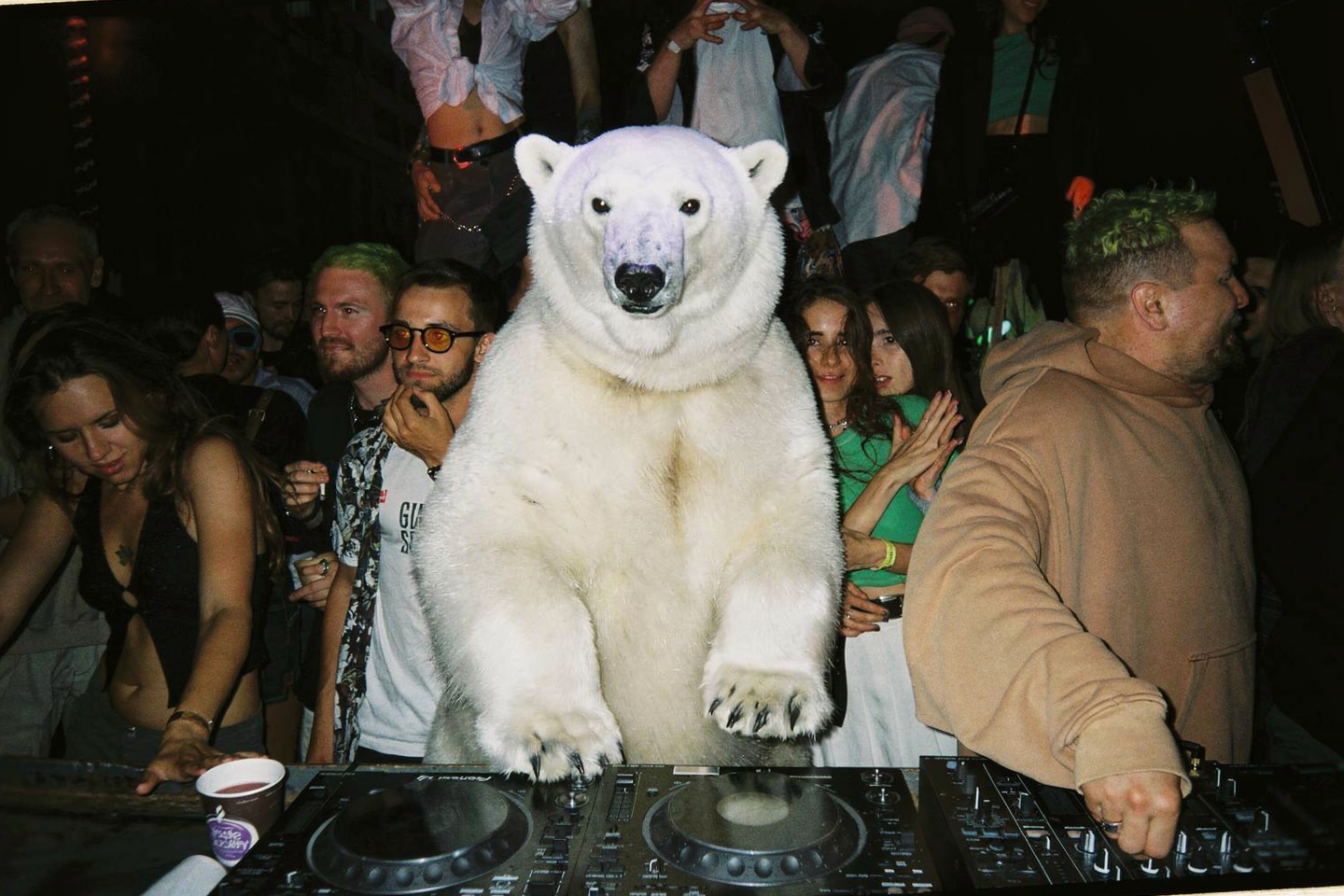
        <img src="https://cdn.sanity.io/images/2gpum2i6/production/20f94b47aeaeaaed370031ca98aed4ba67dc603f-2238x1500.png" alt="Input: DJ scene" />
      </Frame>

      <Frame caption="FLUX.2 result">
        <img src="https://cdn.sanity.io/images/2gpum2i6/production/e2d2e556d0ad7a587589e01607febda7dd549785-1440x960.png" alt="Output: polar bear replaces DJ" />
      </Frame>
    </Columns>

    <PromptDisplay prompt="Replace the DJ with a polar bear without headphones" />
  </Accordion>

  <Accordion title="Selective replacement">
    <Columns cols={2}>
      <Frame>
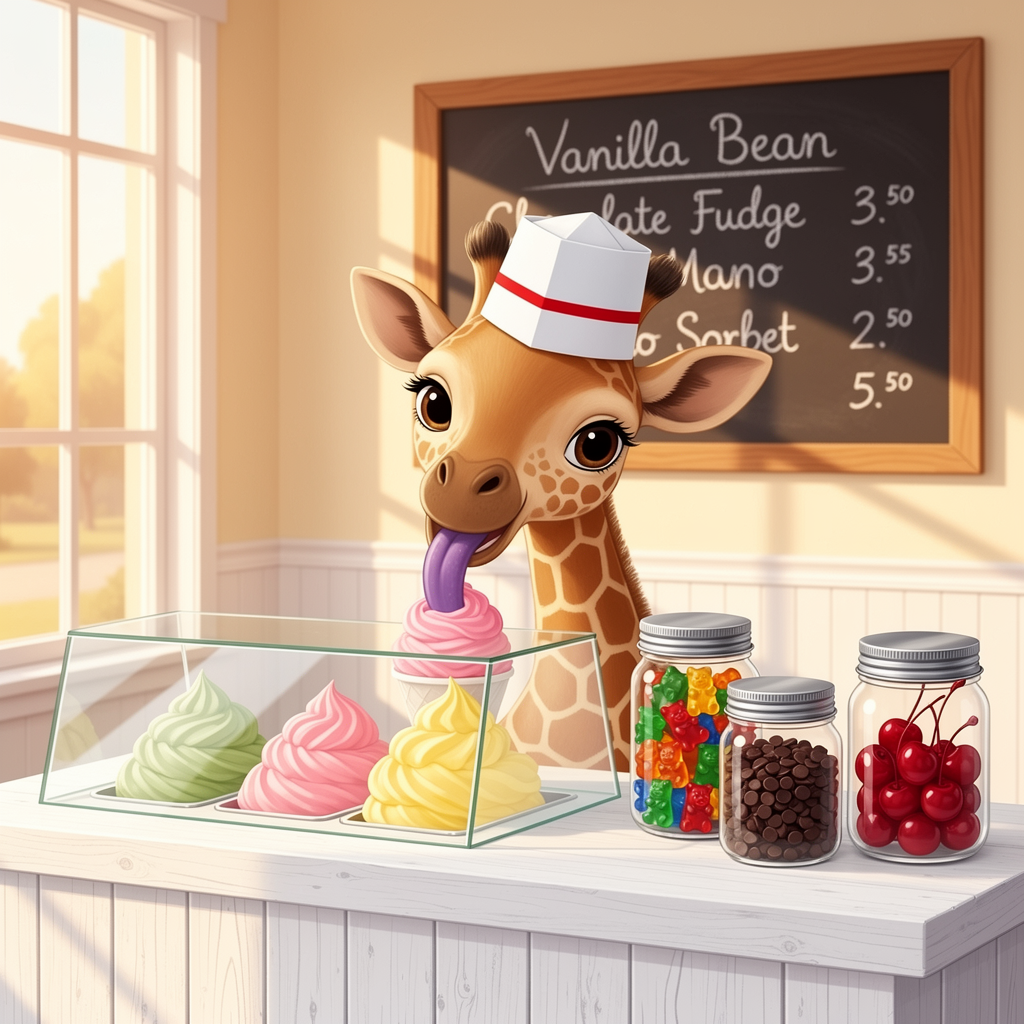
        <img src="https://cdn.sanity.io/images/2gpum2i6/production/700fcf1730b96165452bef99fa3f699e256bba45-1024x1024.png" alt="Input: jars with cherries" />
      </Frame>

      <Frame caption="FLUX.2 result">
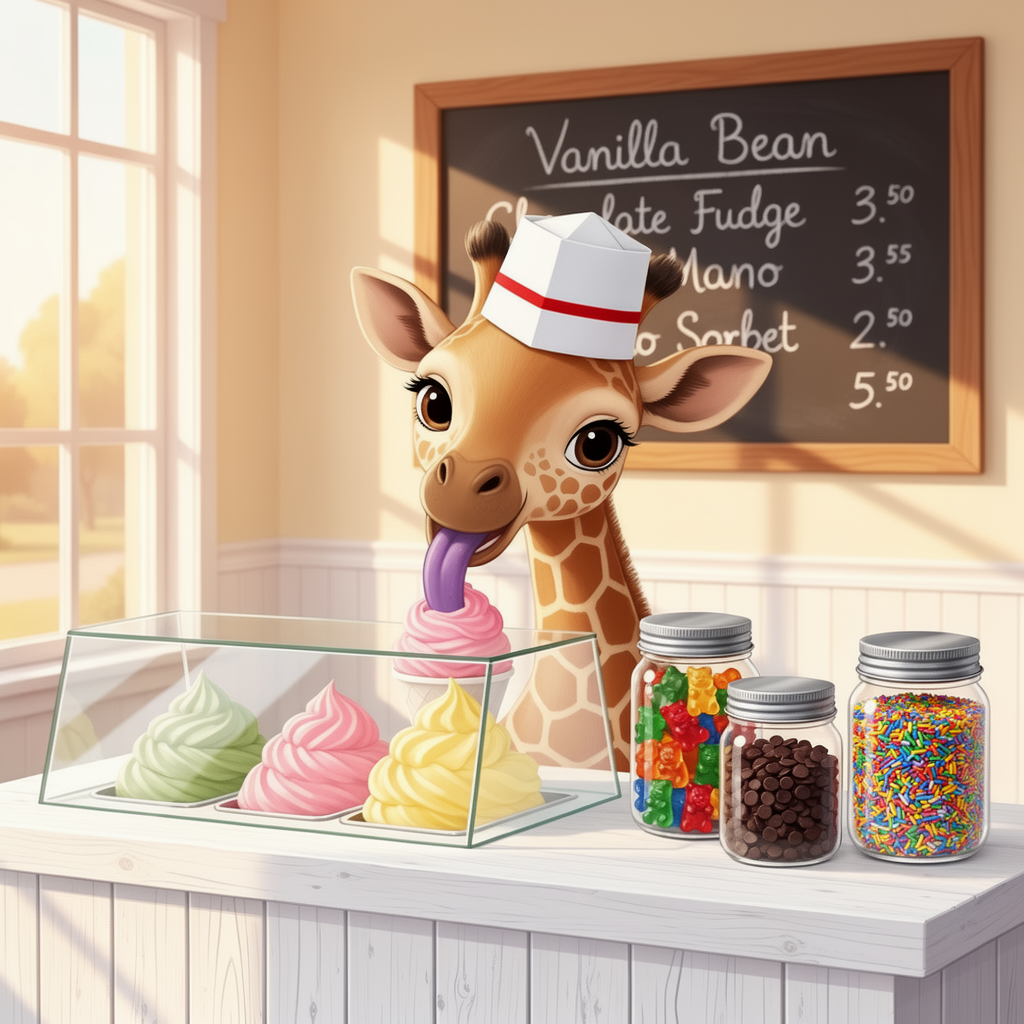
        <img src="https://cdn.sanity.io/images/2gpum2i6/production/d15d465e7d2807c50efecac83b87f132b9d03c12-1024x1024.png" alt="Output: cherries replaced with sprinkles" />
      </Frame>
    </Columns>

    <PromptDisplay prompt="Replace the cherries in the right-most jar with multi-colored sprinkles. Change nothing else" />
  </Accordion>

  <Accordion title="Remove vegetation">
    <Columns cols={2}>
      <Frame>
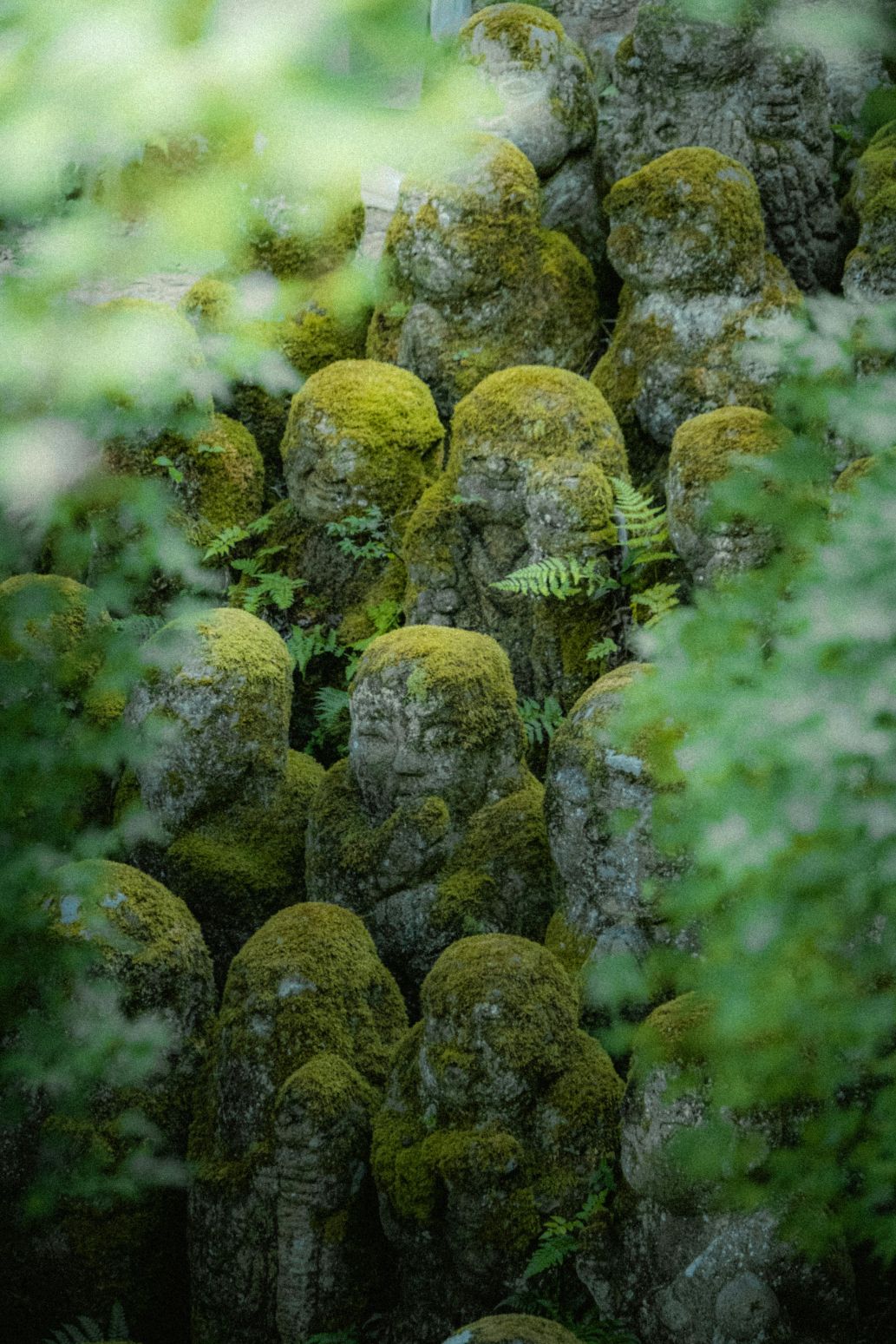
        <img src="https://cdn.sanity.io/images/2gpum2i6/production/36a9166aecd1e04f684c9d1fcecb8d78d0338a81-1033x1549.jpg" alt="Input: moss-covered statues" />
      </Frame>

      <Frame caption="FLUX.2 result">
        <img src="https://cdn.sanity.io/images/2gpum2i6/production/3e6fd95cb7eb09f98ac4607292ae027c67f215a8-1072x1920.png" alt="Output: clean stone statues" />
      </Frame>
    </Columns>

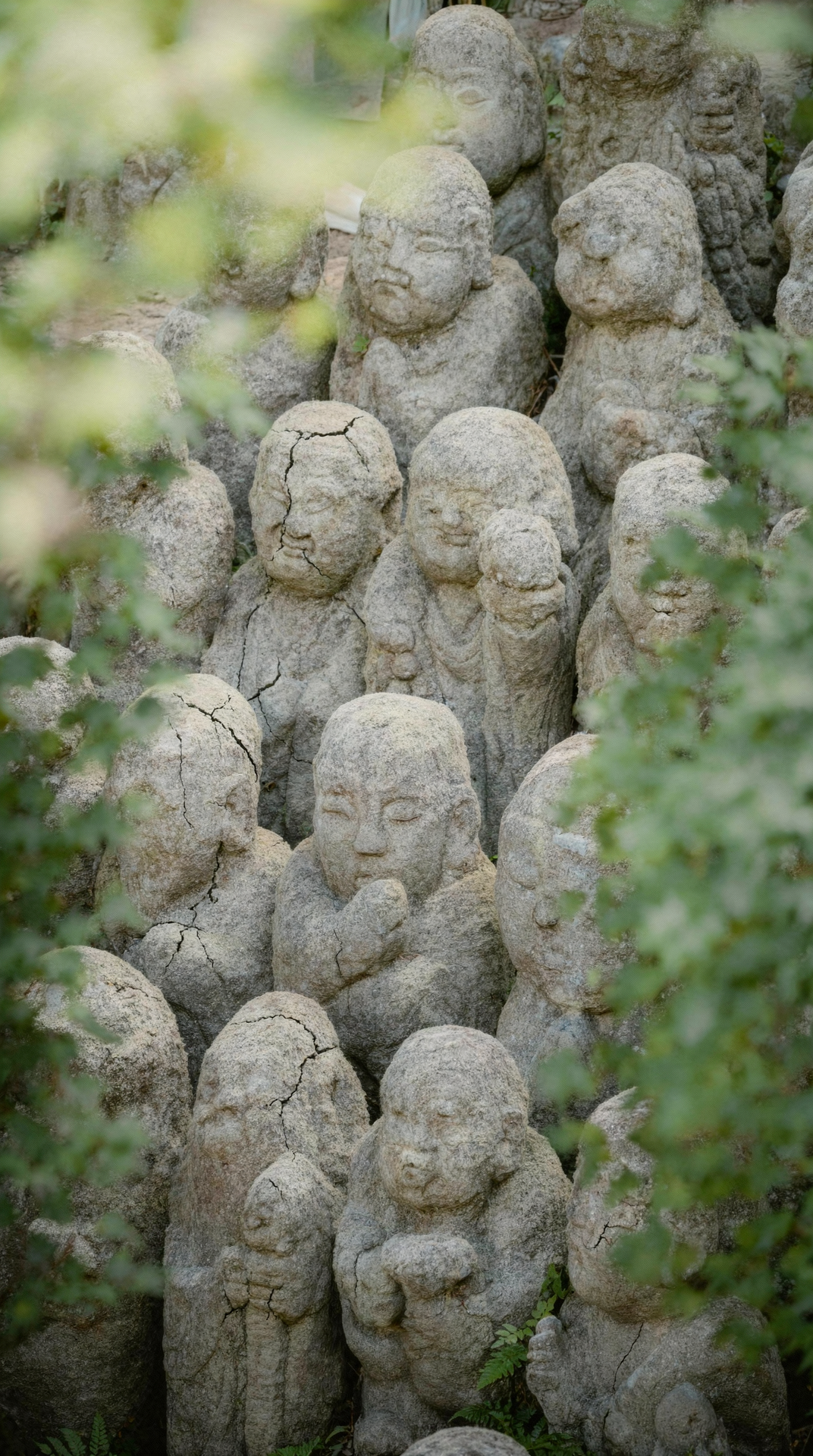
    <PromptDisplay prompt="Remove all vegetation moss and greenery from the statues. Keep only the original stone structure with no plants no moss no algae no green tint. Reveal the raw stone texture with visible small cracks and natural erosion." />
  </Accordion>

  <Accordion title="Object swap: bike to horse">
    <Columns cols={2}>
      <Frame>
        <img src="https://cdn.sanity.io/images/2gpum2i6/production/59fdd6b45c1d2d4180390ae98380a9425ce8bd99-765x956.jpg" alt="Input: person on motorcycle" />
      </Frame>

      <Frame caption="FLUX.2 result">
        <img src="https://cdn.sanity.io/images/2gpum2i6/production/95be0d8eeab9acdd7cdfb73d68120385050b7073-752x944.jpg" alt="Output: person on rearing black horse" />
      </Frame>
    </Columns>

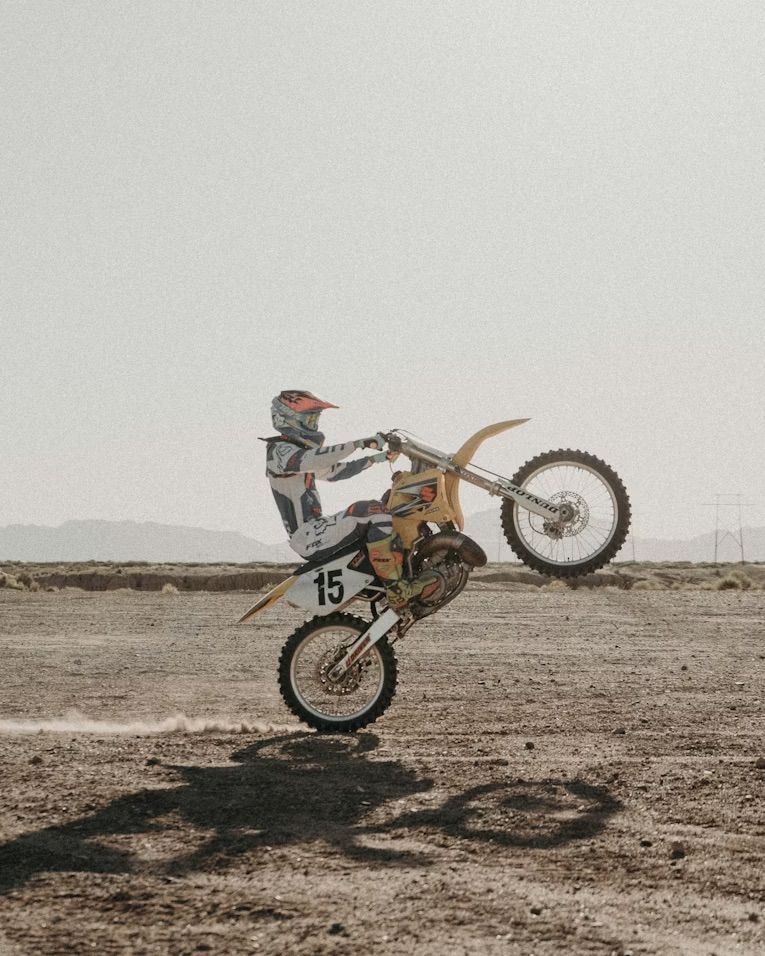
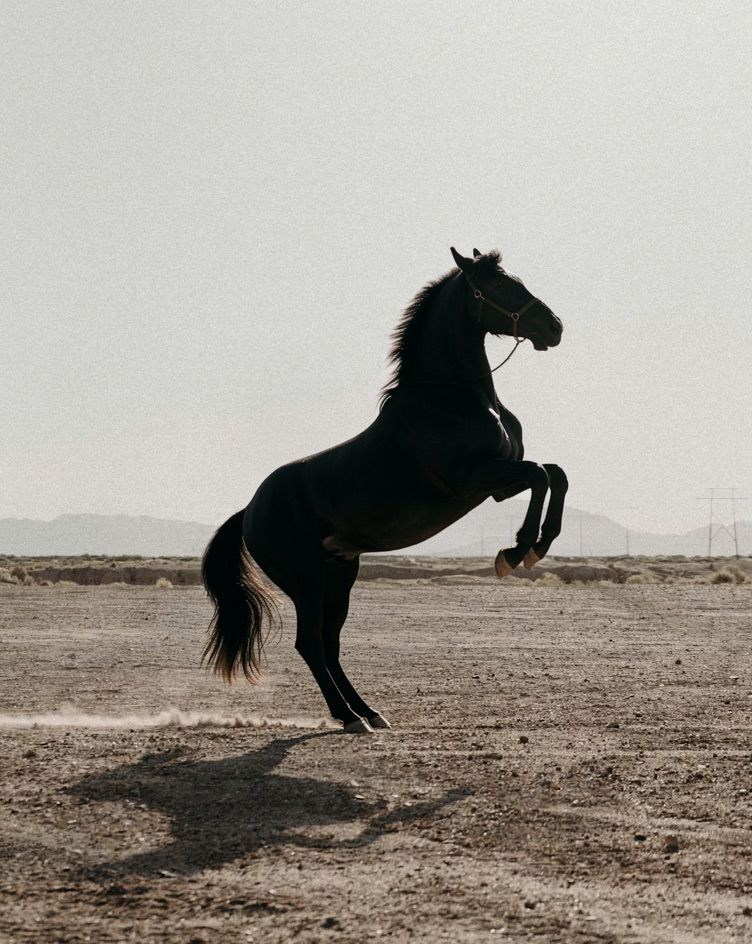
    <PromptDisplay prompt="Replace the bike with a rearing black horse" />
  </Accordion>

  <Accordion title="Element replacement: feathers to petals">
    <Columns cols={2}>
      <Frame>
        <img src="https://cdn.sanity.io/images/2gpum2i6/production/479b03e2cc5bbdf7f56151ec6dce055cb7dfe11a-688x1028.jpg" alt="Input: portrait with feathers" />
      </Frame>

      <Frame caption="FLUX.2 result">
        <img src="https://cdn.sanity.io/images/2gpum2i6/production/3cc63c124d2a504a6f1e021948bc69db41b05731-688x1024.jpg" alt="Output: portrait with rose petals" />
      </Frame>
    </Columns>

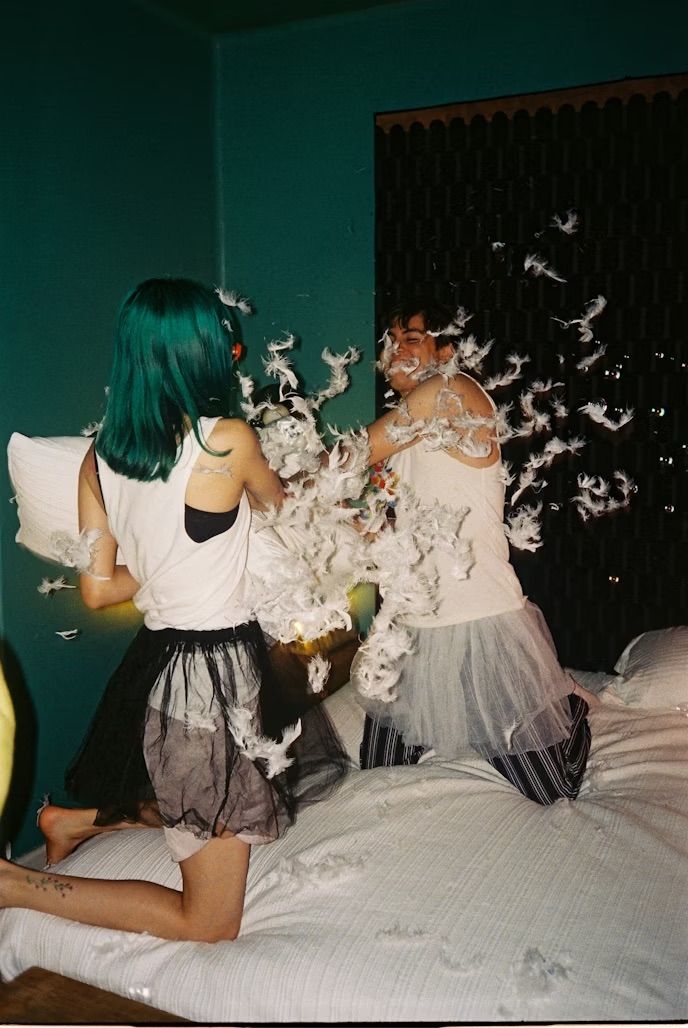
    <PromptDisplay prompt="Replace all the feathers with rose petals" />
  </Accordion>
</AccordionGroup>

***

### Color & Material Changes

Recolor specific elements or transform materials. Use a hex code to specify a target color, then check the result.

<AccordionGroup>
  <Accordion title="Recolor with hex codes">
    <Columns cols={2}>
      <Frame>
        <img src="https://cdn.sanity.io/images/2gpum2i6/production/e42c9778a28707cc65bf7c913591d947f8bfd4b9-500x750.png" alt="Input: cow with natural colors" />
      </Frame>

      <Frame caption="FLUX 3 Image">
        <img src="https://mintcdn.com/bfl/2M9j52sP07XkdzRL/images/flux3-image/regen/F2-55.webp?fit=max&auto=format&n=2M9j52sP07XkdzRL&q=85&s=3d3aaf733683807ca4df37549d64db2a" alt="Output: cow with custom colors" width="1060" height="1600" data-path="images/flux3-image/regen/F2-55.webp" />
      </Frame>
    </Columns>

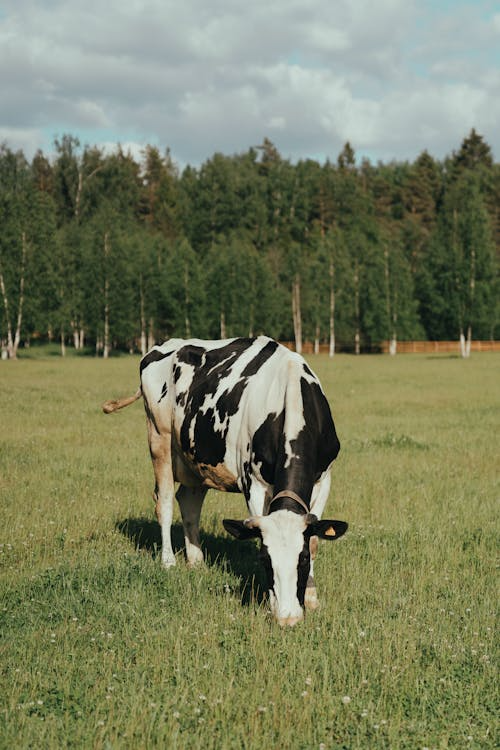
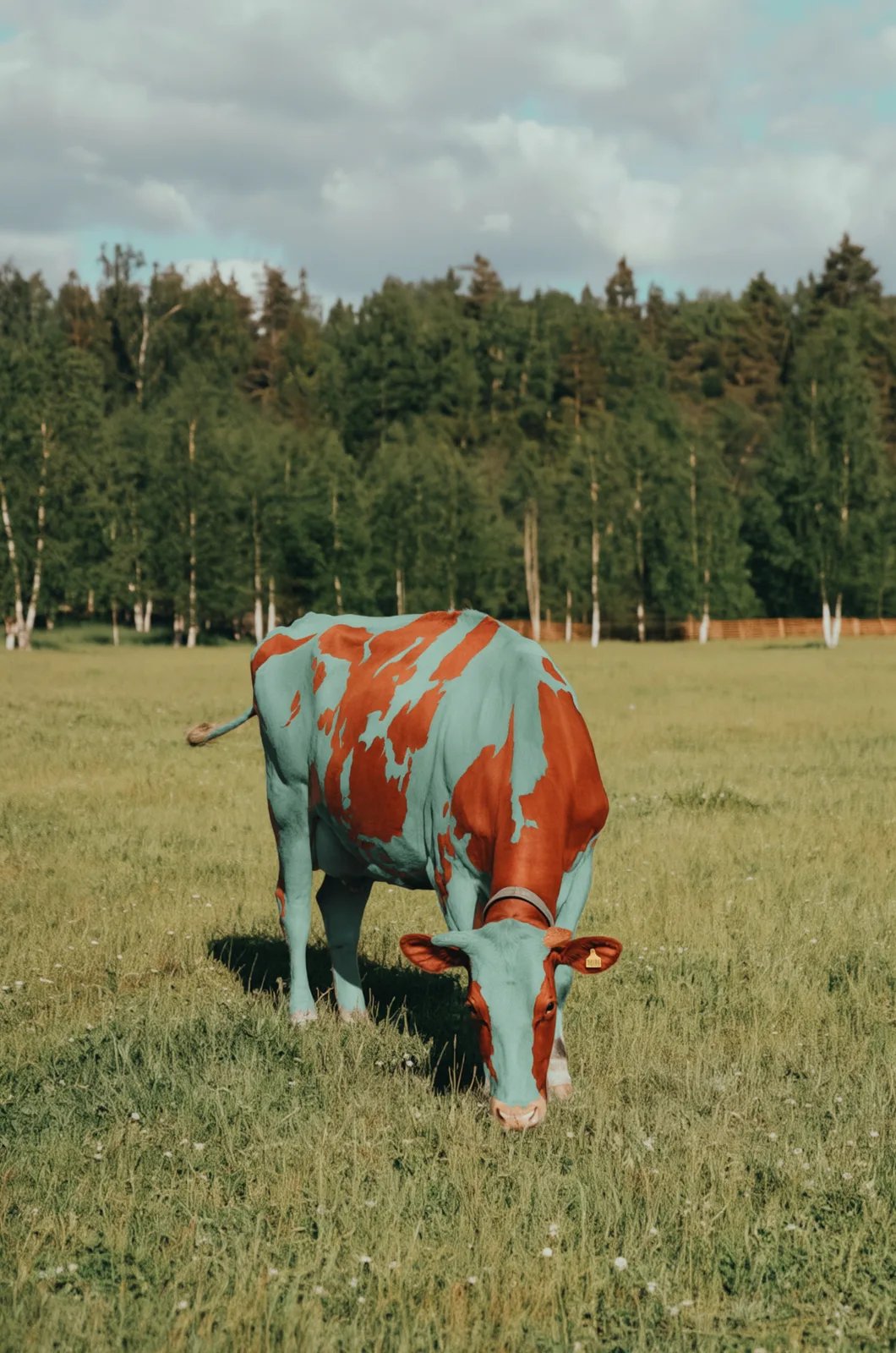
    <PromptDisplay prompt={"Recolor only the white and black FUR of the cow. White fur becomes light muted green-teal #8bc4bb, and black fur patches become warm red-orange #de4528. Keep the exact patch shapes, fur texture, original shadows and grazing pose. The smooth bare nose and muzzle stay their ORIGINAL pale pink-beige color; exclude them completely from recoloring. Keep the dark eyes, nose openings, collar, yellow ear tag and hooves unchanged. Recolor the fur on the legs and ears only where it is white or black, not their bare skin. Preserve the entire pasture, tree line, sky, camera framing and lighting."} />
  </Accordion>

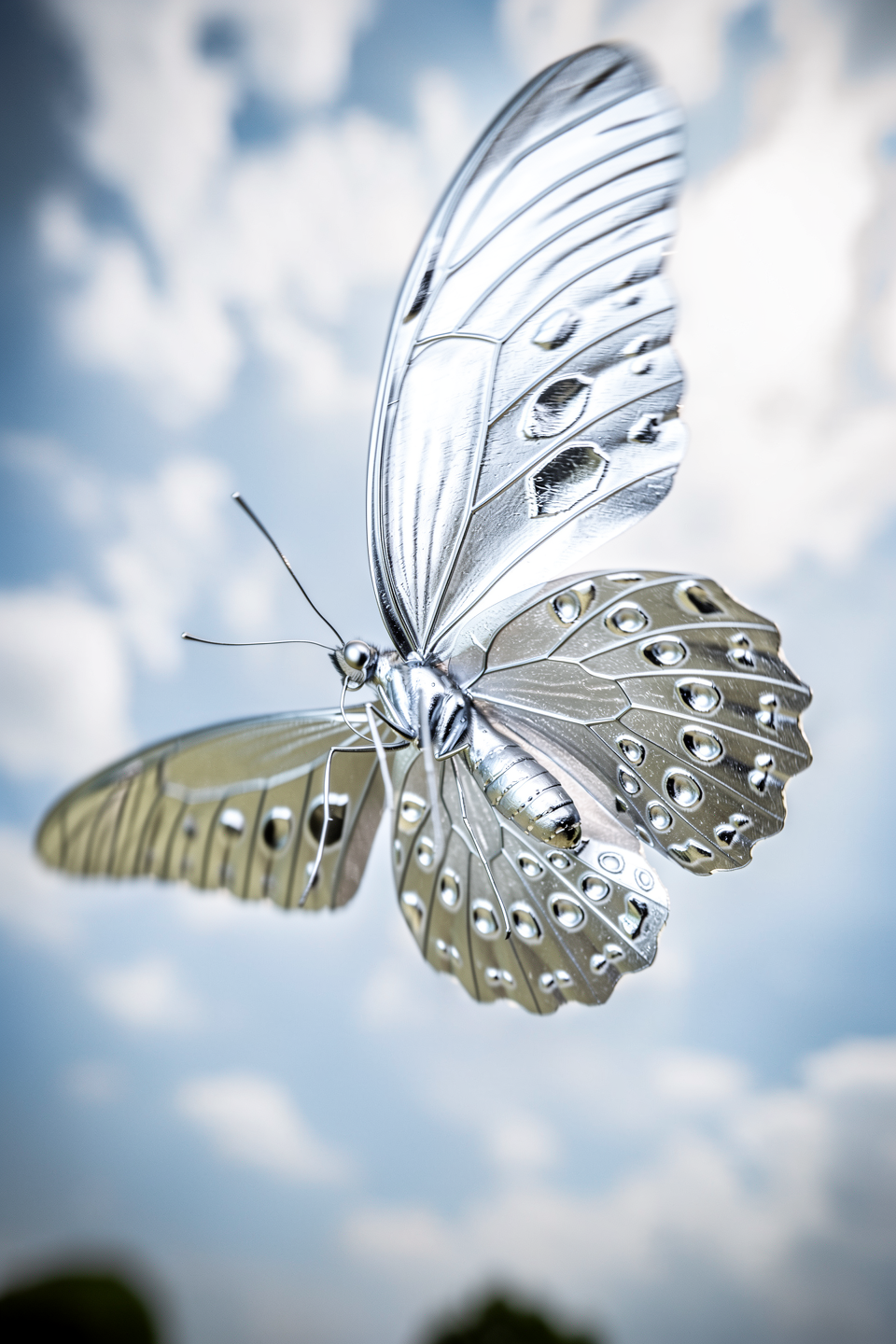
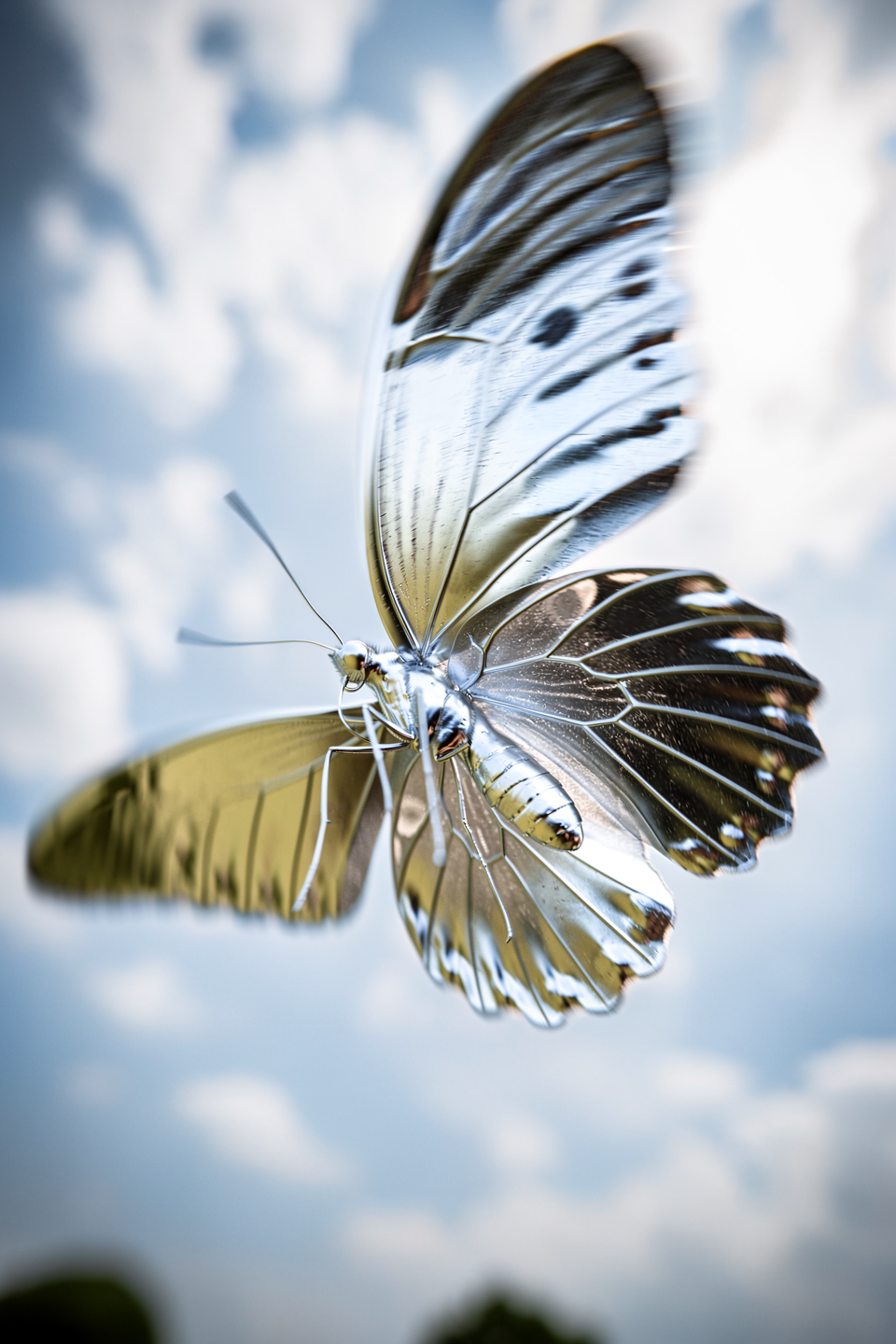
  <Accordion title="Material transformation: silver">
    <Columns cols={2}>
      <Frame>
        <img src="https://cdn.sanity.io/images/2gpum2i6/production/ce6665b32fd9f96a2c1bb8bd30e73b000912d225-960x1440.png" alt="Input: butterfly" />
      </Frame>

      <Frame caption="FLUX.2 result">
        <img src="https://cdn.sanity.io/images/2gpum2i6/production/d8b6455ab9ab2ee12c914be6afa4bea3fcc414b3-960x1440.png" alt="Output: silver butterfly" />
      </Frame>
    </Columns>

    <PromptDisplay prompt="The butterfly is now made of shiny silver" />
  </Accordion>

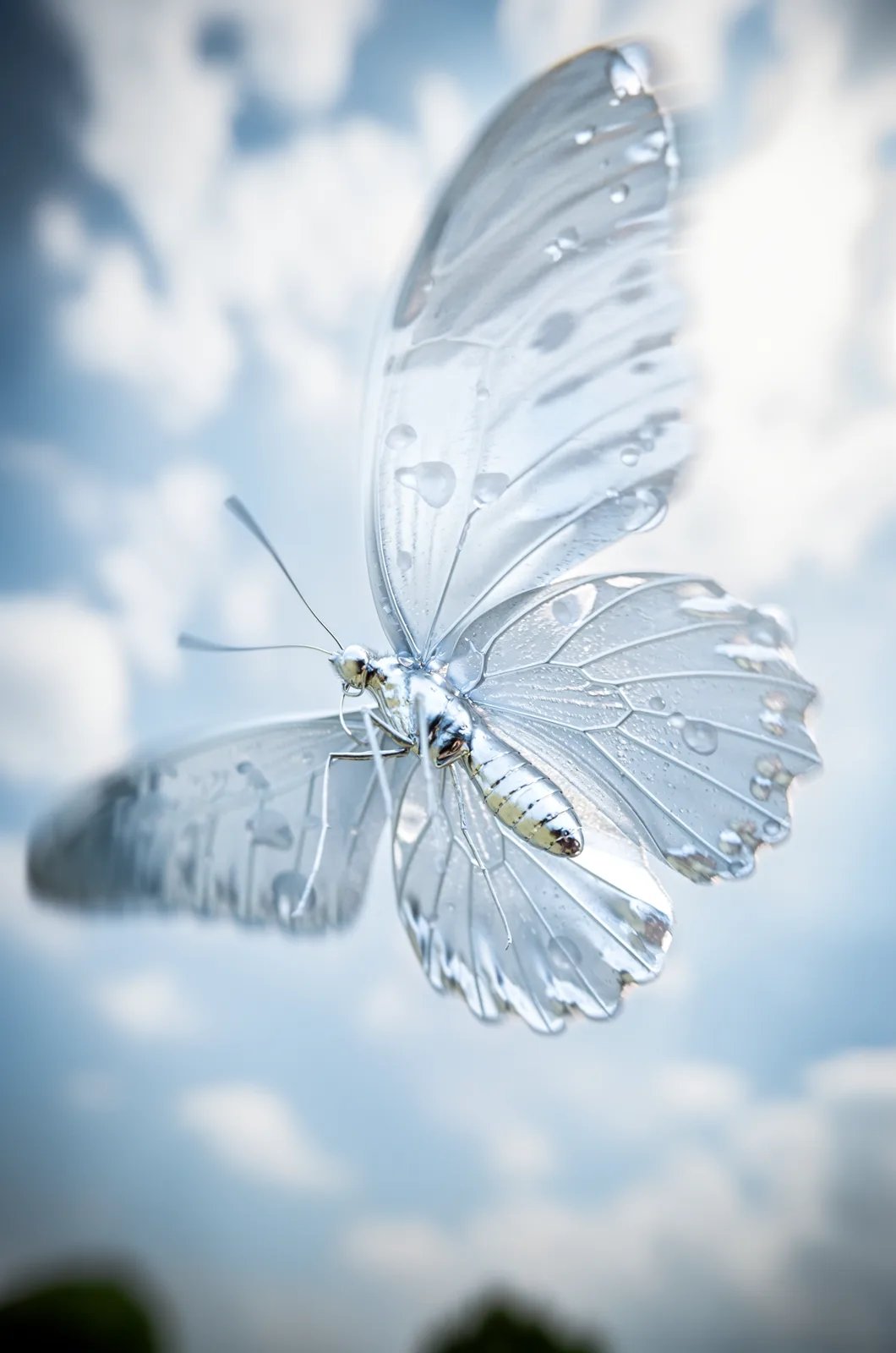
  <Accordion title="Material transformation: ice">
    <Columns cols={2}>
      <Frame>
        <img src="https://cdn.sanity.io/images/2gpum2i6/production/649bd0775125f412f8aa0446f55d74f3f1fc1b14-960x1440.png" alt="Input: butterfly" />
      </Frame>

      <Frame caption="FLUX 3 Image">
        <img src="https://mintcdn.com/bfl/2M9j52sP07XkdzRL/images/flux3-image/regen/F2-59.webp?fit=max&auto=format&n=2M9j52sP07XkdzRL&q=85&s=fc3eec9d2a9a55311230b244ed5ae16d" alt="Output: ice butterfly" width="1060" height="1600" data-path="images/flux3-image/regen/F2-59.webp" />
      </Frame>
    </Columns>

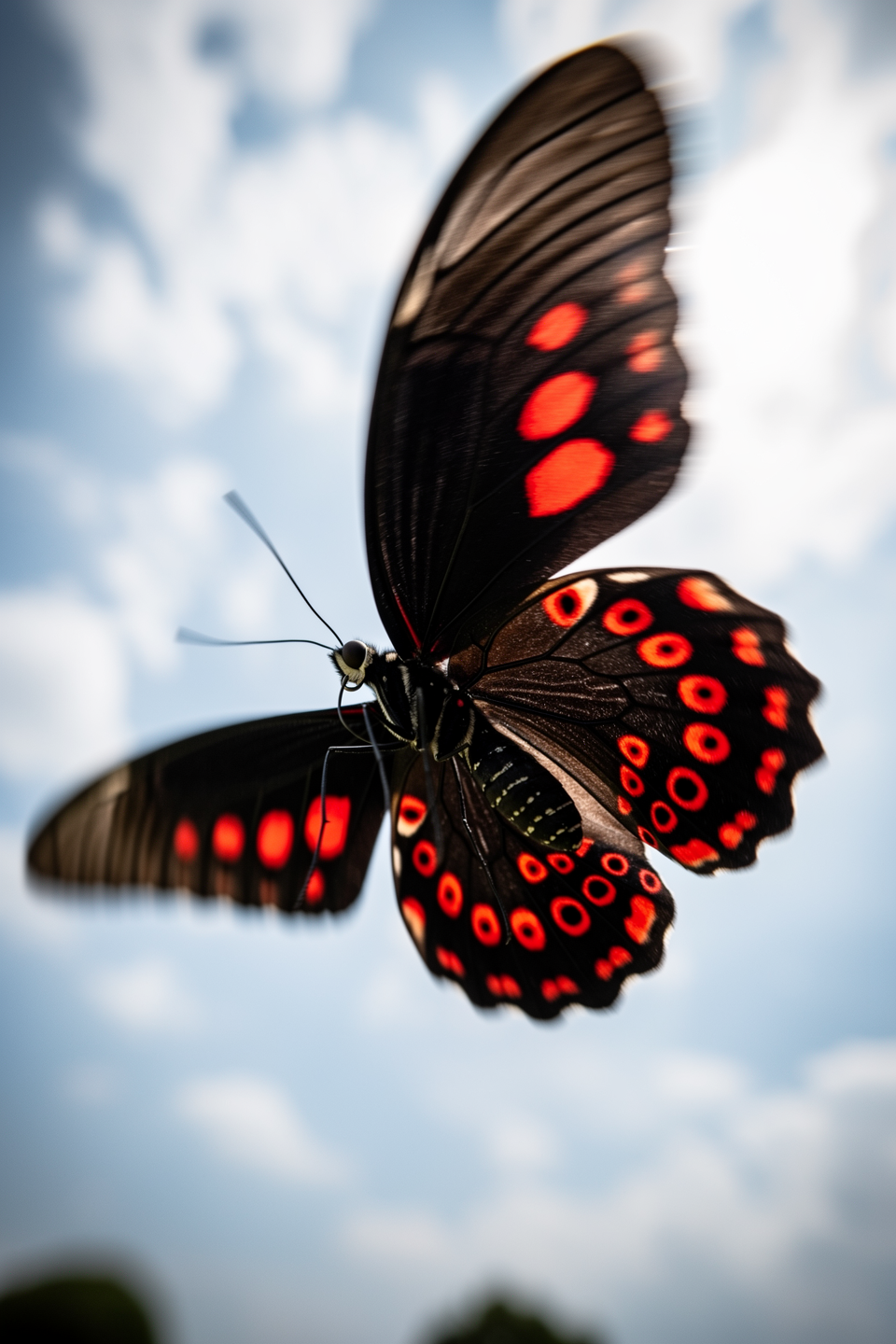
    <PromptDisplay prompt={"Change only the butterfly material to transparent frozen water. Its wings and body are clear ice, with pale internal ice fractures and distinct rounded melt-water droplets. All wing surfaces transmit the blue sky behind them. Preserve the original wing geometry, antennae, legs, position, size within the frame and cloudy background."} />
  </Accordion>
</AccordionGroup>

***

### Lighting, Weather & Season Changes

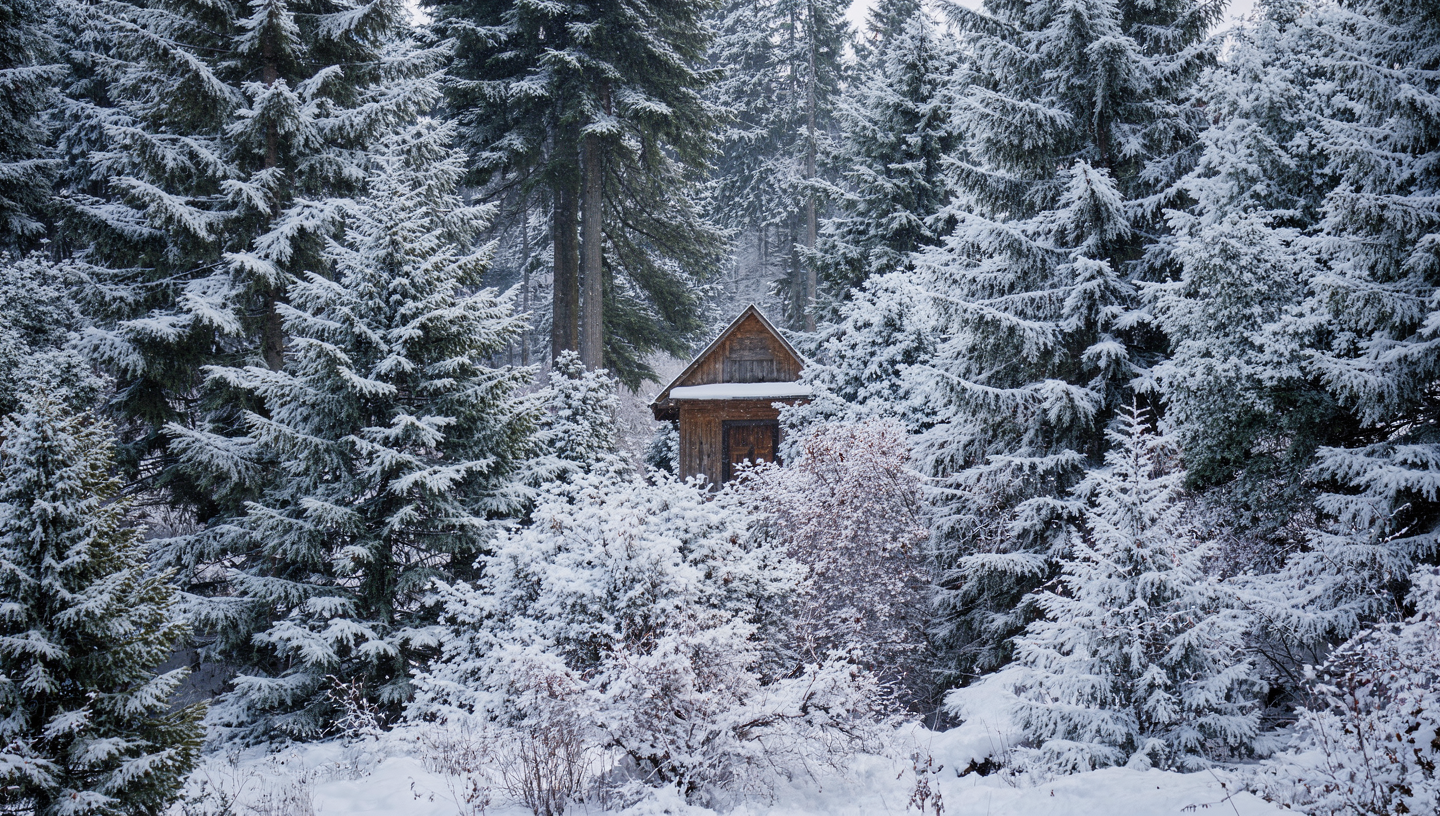
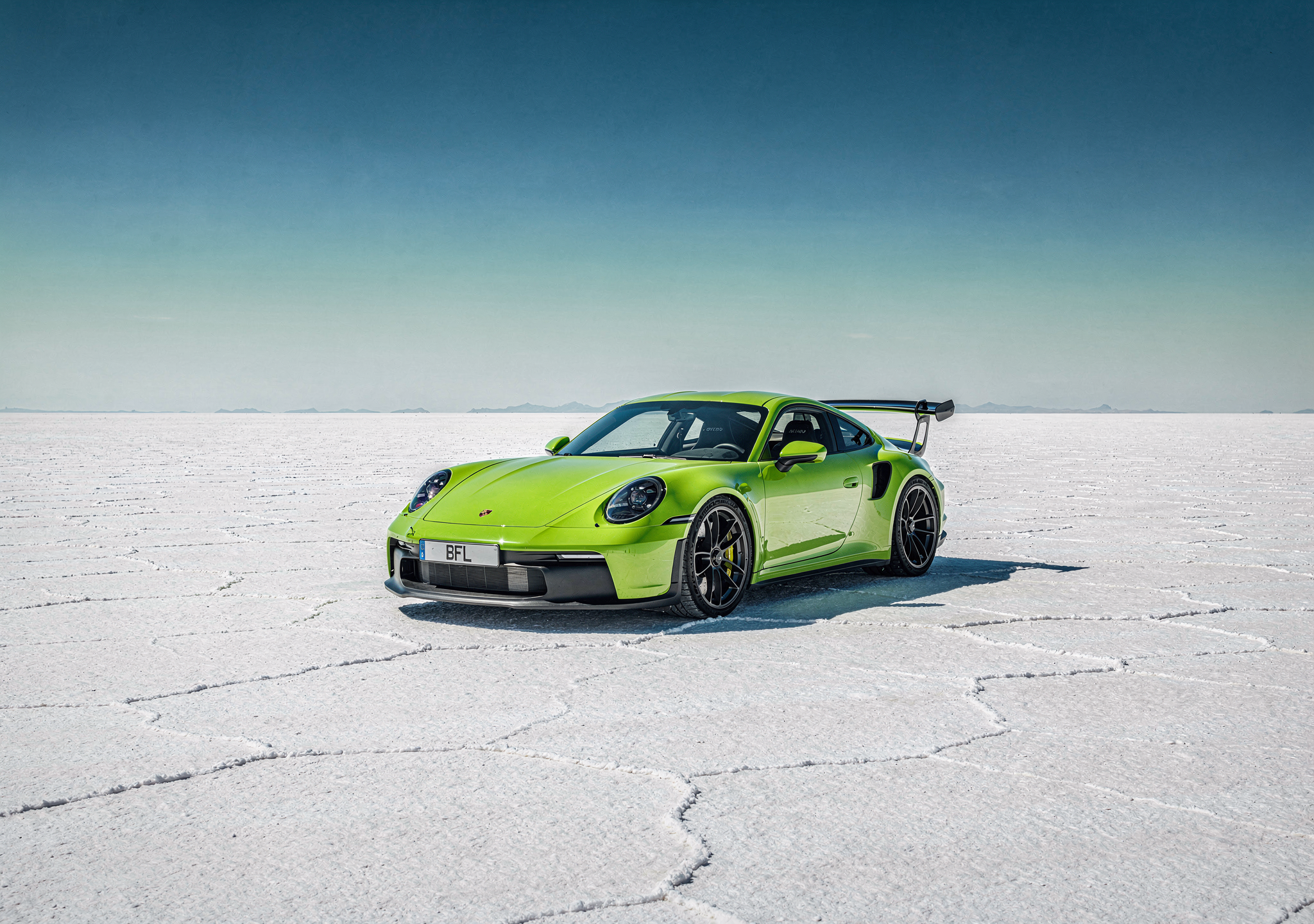
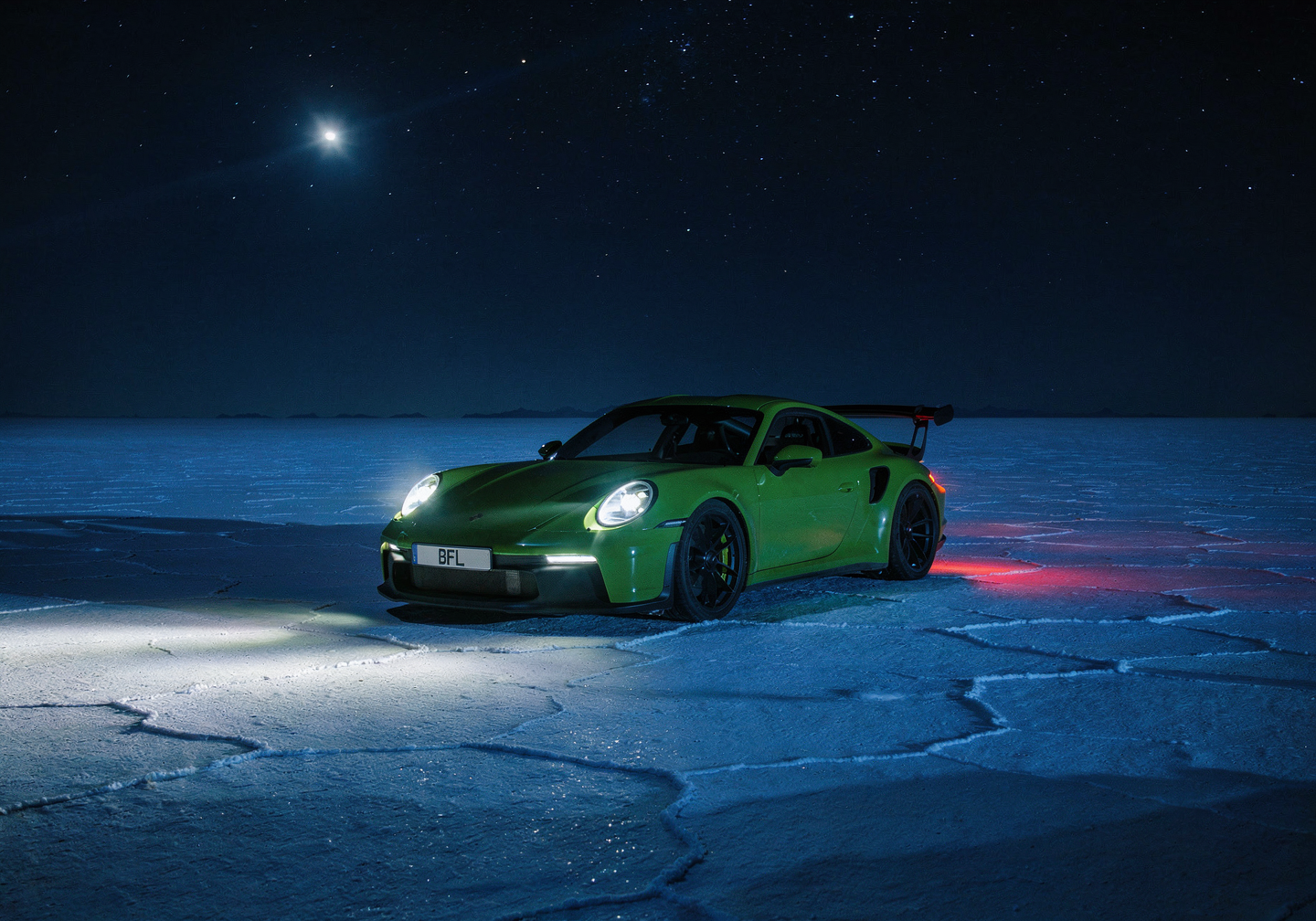
Shift the time of day, season, or weather with a short instruction. Name the new condition plainly: "Change it to Night", "Change this to Winter".

<AccordionGroup>
  <Accordion title="Time of day: night, mountain village">
    <ImageComparisonSlider beforeImage="https://cdn.sanity.io/images/2gpum2i6/production/ca563be7241d46f06868a7aae876098ce8520588-1440x960.png" afterImage="https://cdn.sanity.io/images/2gpum2i6/production/b200442e944e6f1f58a91443dd82e64f8eb753c4-1549x1033.jpg" beforeLabel="Source" afterLabel="FLUX.2 edit" height="500px" />

    <PromptDisplay prompt="Change it to Night" />
  </Accordion>

  <Accordion title="Season change: winter">
    <Columns cols={2}>
      <Frame>
        <img src="https://cdn.sanity.io/images/2gpum2i6/production/60c0bd0873dce1991931829d93ca1270dd42cb0c-1680x952.png" alt="Input: scene in original season" />
      </Frame>

      <Frame caption="FLUX.2 result">
        <img src="https://cdn.sanity.io/images/2gpum2i6/production/afd7679c6592a45b2124416faf572ce48c6e114a-1440x816.png" alt="Output: winter scene" />
      </Frame>
    </Columns>

    <PromptDisplay prompt="Change this to Winter" />
  </Accordion>

  <Accordion title="Time of day: night, car on a salt flat">
    <Columns cols={2}>
      <Frame>
        <img src="https://cdn.sanity.io/images/2gpum2i6/production/899402d052604cc5471942e61176309b75d8096d-2048x1440.png" alt="Input: daytime scene" />
      </Frame>

      <Frame caption="FLUX.2 result">
        <img src="https://cdn.sanity.io/images/2gpum2i6/production/31799e6fc25fae11adc720693c4a7bbbc1b9ddb7-1440x1008.png" alt="Output: nighttime scene" />
      </Frame>
    </Columns>

    <PromptDisplay prompt="Change it to Night" />
  </Accordion>

  <Accordion title="Lighting and color mood">
    <Columns cols={2}>
      <Frame>
        <img src="https://cdn.sanity.io/images/2gpum2i6/production/989d574adc3c3c845a52fadda2d7ae0a15841b73-592x736.png" alt="Input: scene with original lighting" />
      </Frame>

      <Frame caption="FLUX.2 result">
        <img src="https://cdn.sanity.io/images/2gpum2i6/production/c828dbe1430f5782adfa8610c01a8a87574479bb-592x736.png" alt="Output: warm autumn lighting" />
      </Frame>
    </Columns>

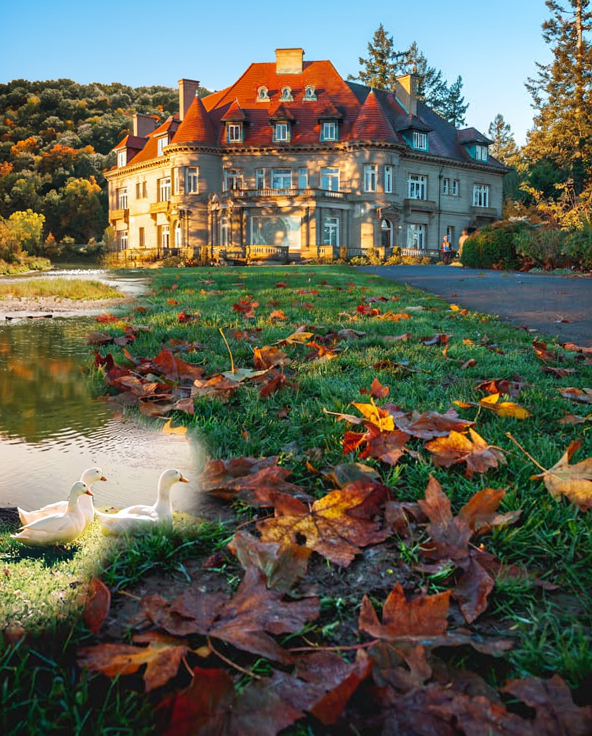
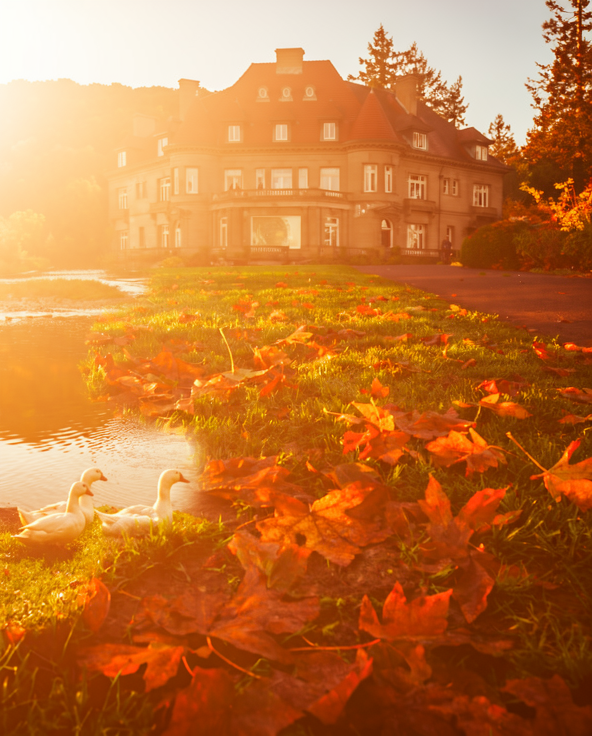
    <PromptDisplay prompt="Fix the lighting and make the entire scene appear in warm autumn colors with sunlight" />
  </Accordion>
</AccordionGroup>

***

### Text Editing

Add, replace, or modify text within images, from simple swaps to full ad layouts. Put the exact words in quotes and say where they go and how they should look.

<AccordionGroup>
  <Accordion title="Handwritten text on a photo">
    <ImageComparisonSlider beforeImage="https://cdn.sanity.io/images/2gpum2i6/production/0e6b543a1f039a393140b60a534dd9205fe50275-630x750.png" afterImage="https://cdn.sanity.io/images/2gpum2i6/production/1425f216fa898f5c8d686fc48a09af7649e24c56-624x736.png" beforeLabel="Source" afterLabel="FLUX.2 edit" height="600px" objectFit="contain" />

    <PromptDisplay prompt={'On the top polaroid photo, diagonally, write in handwritten pink marker: "2020 <3"'} />
  </Accordion>

  <Accordion title="Simple text replacement">
    <Columns cols={2}>
      <Frame>
        <img src="https://cdn.sanity.io/images/2gpum2i6/production/454286fa6880e6a2772ea1423e478280469354fb-1999x3000.jpg" alt="Input: image with original text" />
      </Frame>

      <Frame caption="FLUX.2 result">
        <img src="https://cdn.sanity.io/images/2gpum2i6/production/db0aa37eb019d14345f3bc7593c7caedee5f7fce-944x1440.png" alt="Output: text changed to Flux.2" />
      </Frame>
    </Columns>

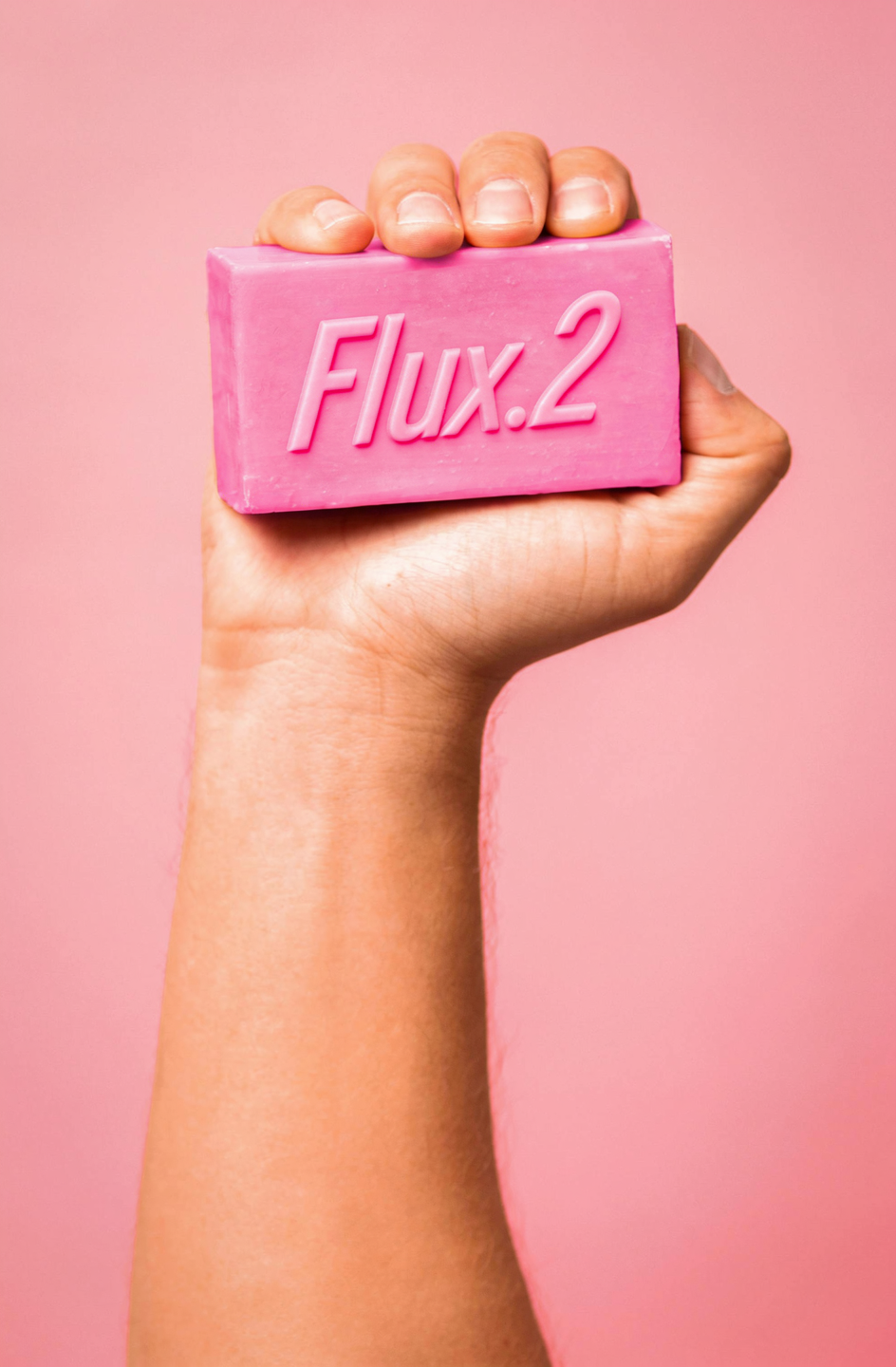
    <PromptDisplay prompt="Change the text to Flux.2" />
  </Accordion>

  <Accordion title="Neon sign text">
    <Columns cols={2}>
      <Frame>
        <img src="https://cdn.sanity.io/images/2gpum2i6/production/7a9cbb845dd15f4c25045d5bdd601ffda9e15b64-1424x944.png" alt="Input: neon sign with original text" />
      </Frame>

      <Frame caption="FLUX 3 Image">
        <img src="https://mintcdn.com/bfl/2M9j52sP07XkdzRL/images/flux3-image/regen/F2-72.webp?fit=max&auto=format&n=2M9j52sP07XkdzRL&q=85&s=01d22e2ffe7c533cbe9c09fe330c0087" alt="Output: neon sign with new text" width="1600" height="1060" data-path="images/flux3-image/regen/F2-72.webp" />
      </Frame>
    </Columns>

    <PromptDisplay prompt={"Change only the wording on the neon sign to the exact text \"zum Schlappen\". Keep the original sign's placement, mounting, glow color, perspective and the surrounding nighttime street scene. The new letters use continuous neon tubing and remain readable, with lowercase 'zum' and an uppercase 'S' in 'Schlappen'."} />
  </Accordion>

  <Accordion title="Sign replacement + scene edit">
    <Columns cols={2}>
      <Frame>
        <img src="https://cdn.sanity.io/images/2gpum2i6/production/865cc685167fa3b10e722a2d048b89cdbf9a9613-752x1440.png" alt="Input: shop scene" />
      </Frame>

      <Frame caption="FLUX.2 result">
        <img src="https://cdn.sanity.io/images/2gpum2i6/production/e228384f2f234290699e684e5a743ebfab7ce38e-752x1440.png" alt="Output: new neon sign and traffic light" />
      </Frame>
    </Columns>

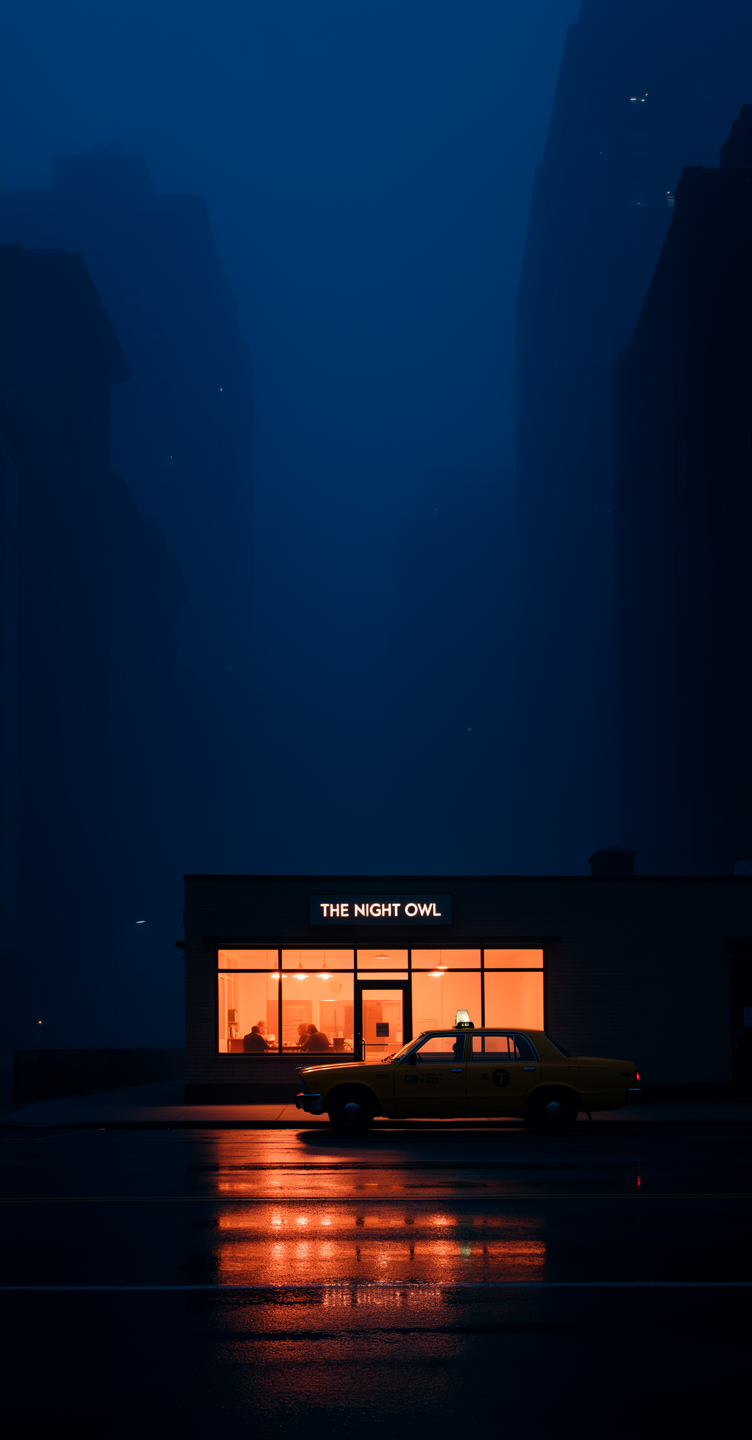
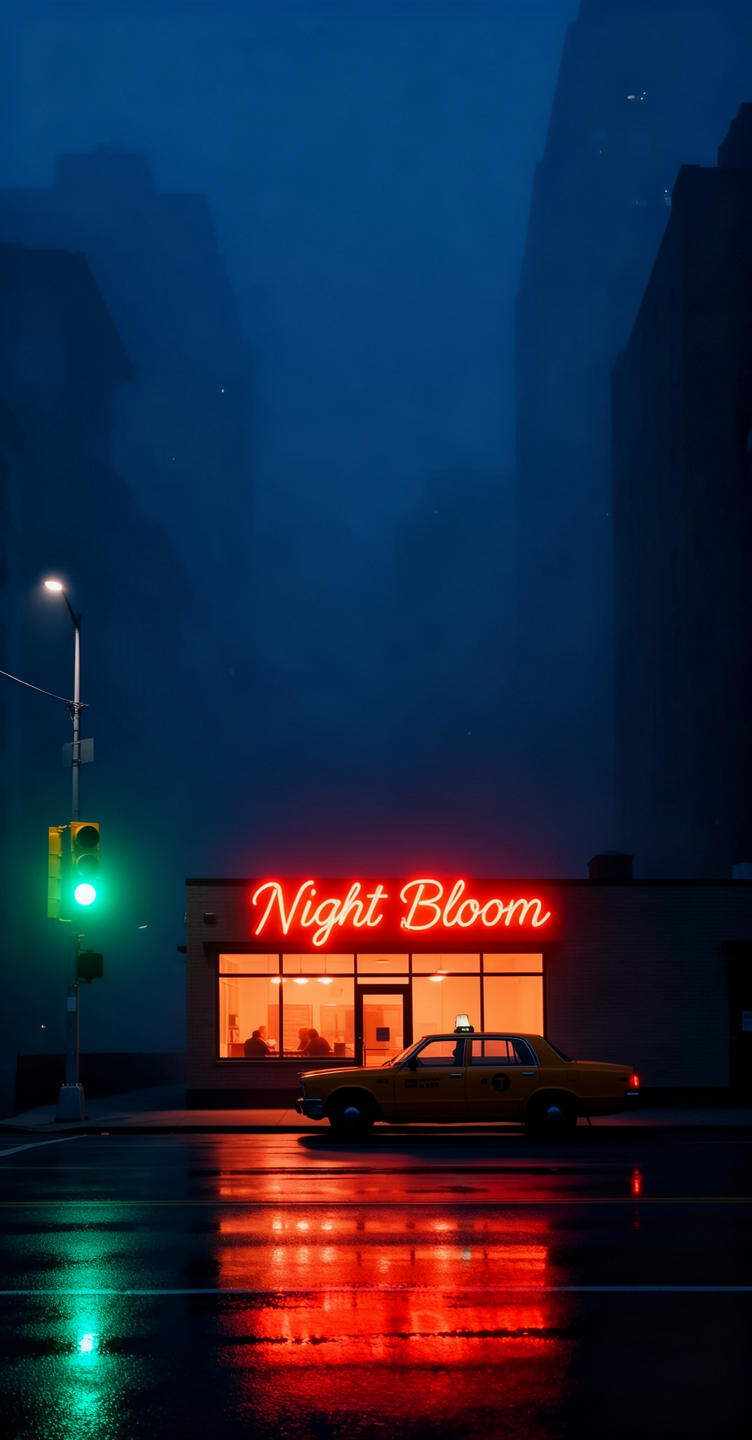
    <PromptDisplay prompt="Replace the shop sign with a red-orange neon sign that says 'Night Bloom', and add a green traffic light on the left side of the frame." />
  </Accordion>

  <Accordion title="Ad creation with text overlay">
    <Columns cols={2}>
      <Frame>
        <img src="https://cdn.sanity.io/images/2gpum2i6/production/cc46de090b61254fad1f7c6783b8bb76d05c4ee6-500x750.png" alt="Input: fashion photo" />
      </Frame>

      <Frame caption="FLUX.2 result">
        <img src="https://cdn.sanity.io/images/2gpum2i6/production/7dca5c2b3834bfa11c2bc19051185579c999a380-496x736.png" alt="Output: fashion ad with text and CTA" />
      </Frame>
    </Columns>

    <PromptDisplay prompt="Use this image to create an ad. Add the text 'Black Friday hasta -50%' on the right side, making sure it does not overlay the clothes. Add a call-to-action button that says 'Take me there'" />
  </Accordion>
</AccordionGroup>

***

### Virtual Try-On & Clothing

Change outfits, add accessories, or adjust clothing colors. Useful for fashion and e-commerce.

<AccordionGroup>
  <Accordion title="Outfit change">
    <Columns cols={2}>
      <Frame>
        <img src="https://cdn.sanity.io/images/2gpum2i6/production/6579b7ebe92a74bd1751a3a1cc326ae22913b32b-1033x1549.jpg" alt="Input: woman in original outfit" />
      </Frame>

      <Frame caption="FLUX 3 Image">
        <img src="https://mintcdn.com/bfl/2M9j52sP07XkdzRL/images/flux3-image/regen/F2-78.webp?fit=max&auto=format&n=2M9j52sP07XkdzRL&q=85&s=35d9fc69ff840a48f848ac010483845a" alt="Output: the same woman in a fuchsia dress against a green studio gradient" width="1060" height="1600" data-path="images/flux3-image/regen/F2-78.webp" />
      </Frame>
    </Columns>

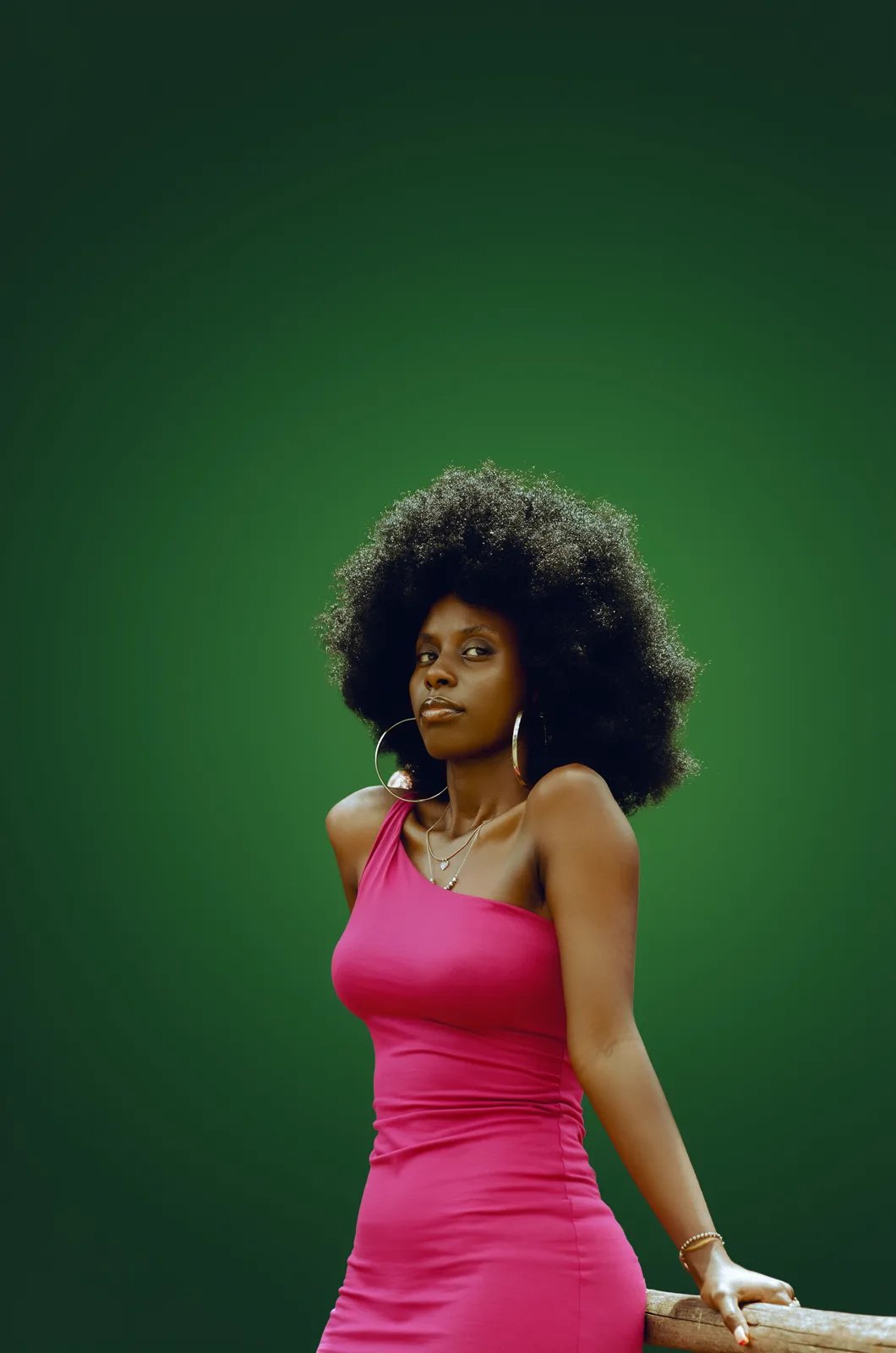
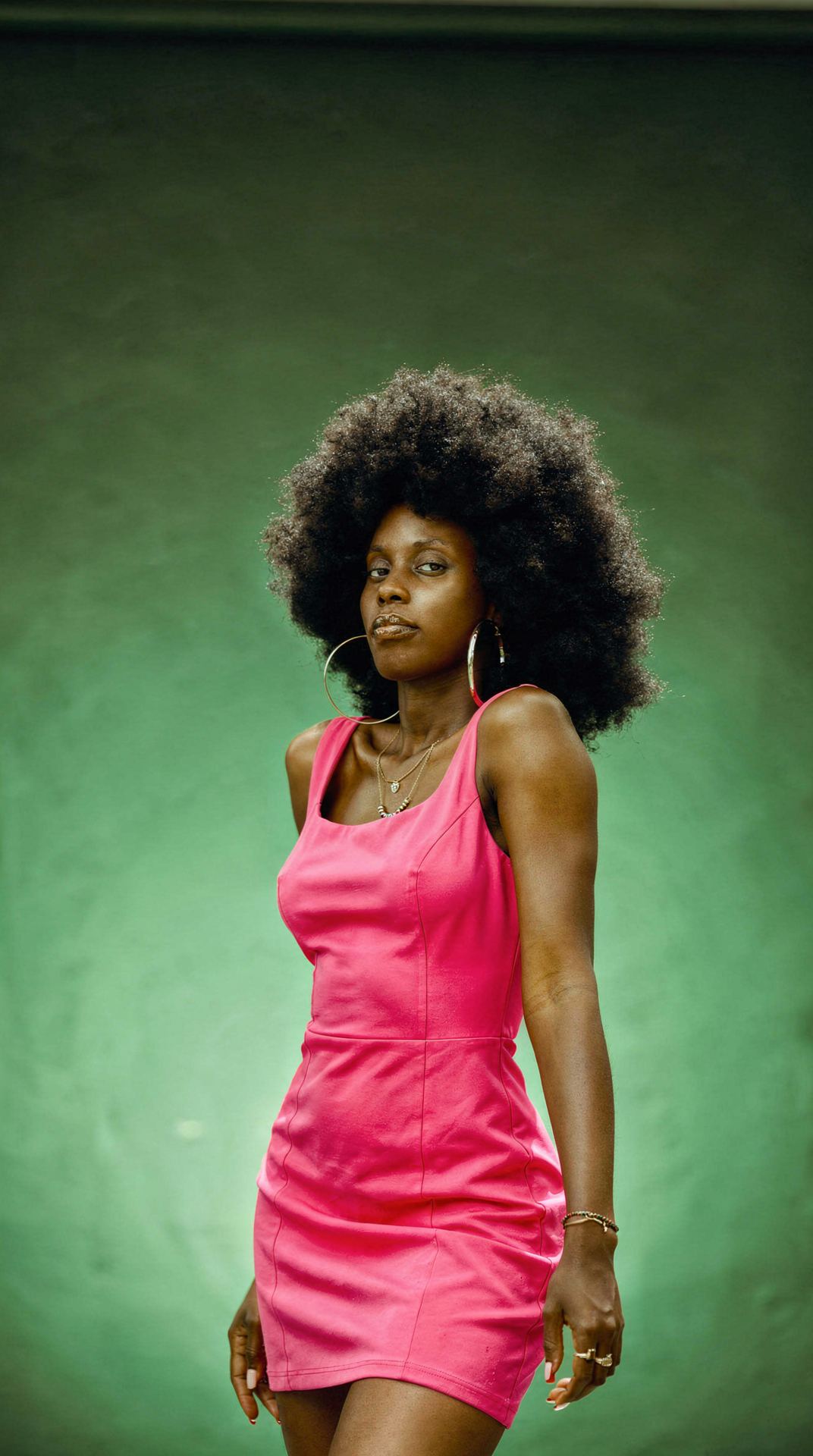
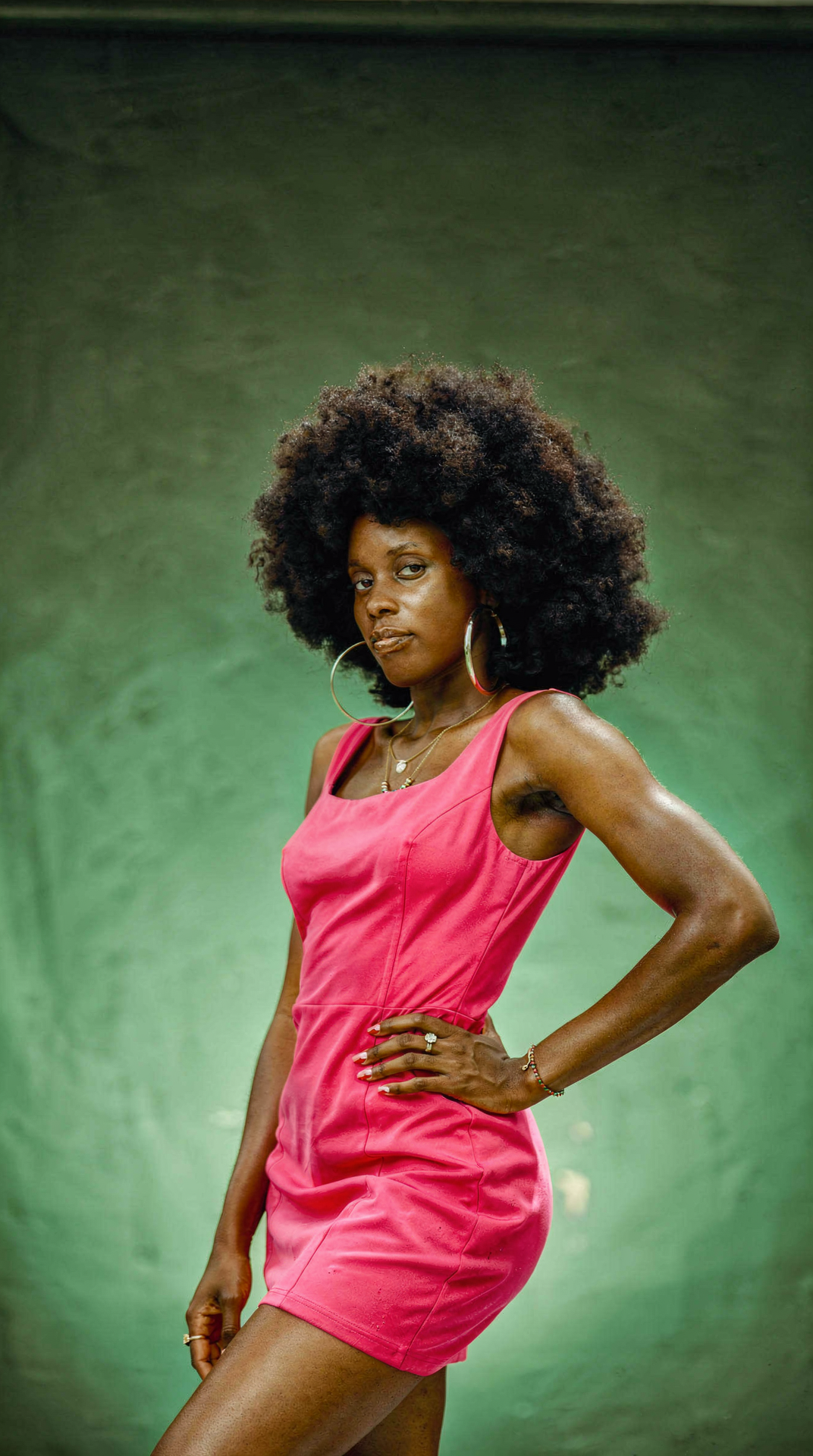
    <PromptDisplay prompt="Change the woman's outfit to a bold fuchsia pink dress against a green studio gradient background." />
  </Accordion>

  <Accordion title="Add accessories with hex colors">
    <Columns cols={2}>
      <Frame>
        <img src="https://cdn.sanity.io/images/2gpum2i6/production/a4867991ad1e38d17cd89effc5d8b61b96d57f8b-501x750.png" alt="Input: woman without jacket" />
      </Frame>

      <Frame caption="FLUX.2 result">
        <img src="https://cdn.sanity.io/images/2gpum2i6/production/931e7c71fac23775c0ee893dba5c88cd95ae0b85-496x736.png" alt="Output: woman with fluffy jacket and hat" />
      </Frame>
    </Columns>

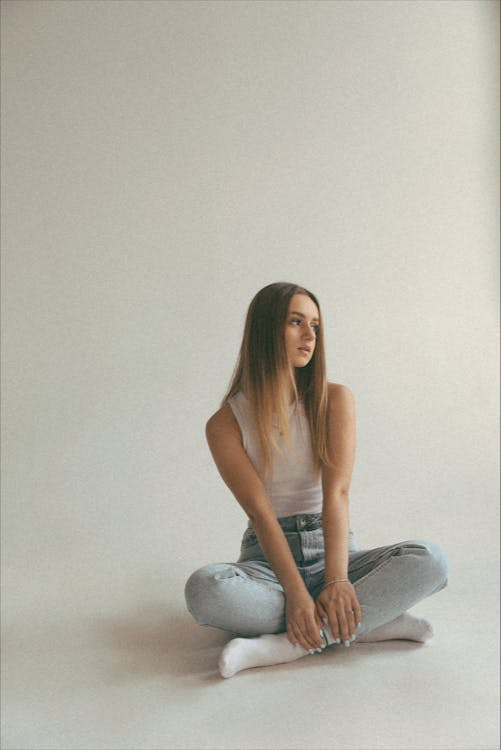
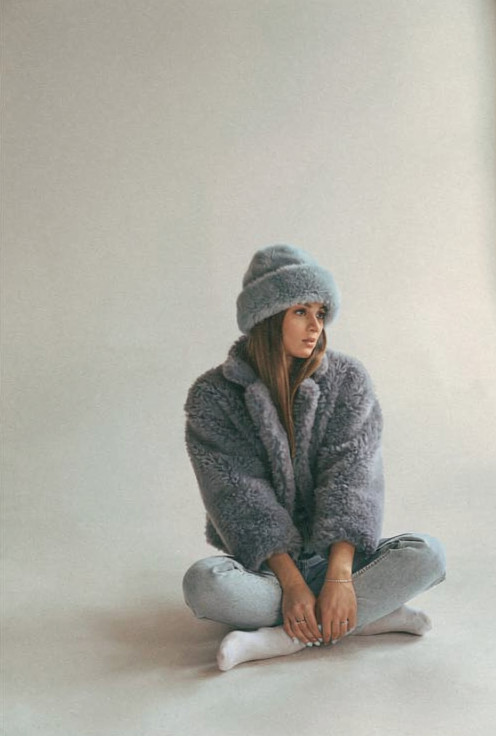
    <PromptDisplay prompt="Add a short fluffy jacket on her colored #778899, and a hat in the same fluffy style, colored #98AFC7. Keep her pose" />
  </Accordion>

  <Accordion title="Dress recoloring with detail preservation">
    <Columns cols={2}>
      <Frame>
        <img src="https://cdn.sanity.io/images/2gpum2i6/production/bb82e82e1bdc520dbe56f745d7747ddc60a26760-3456x5184.jpg" alt="Input: white lace wedding dress" />
      </Frame>

      <Frame caption="FLUX.2 result">
        <img src="https://cdn.sanity.io/images/2gpum2i6/production/29a25e49a0f1f5d563c5cc0e6721b763351f6452-960x1440.png" alt="Output: sky blue lace wedding dress" />
      </Frame>
    </Columns>

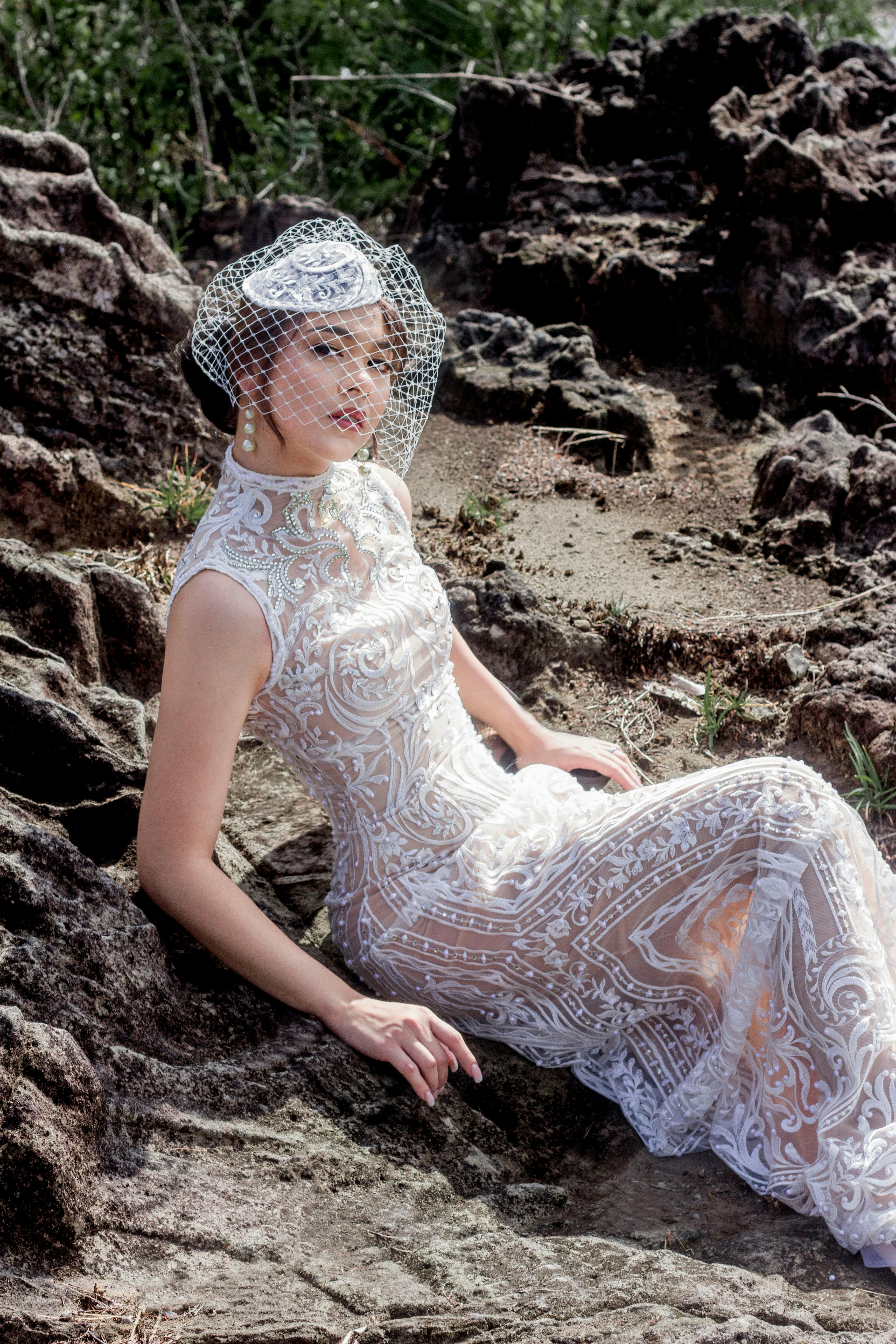
    <PromptDisplay prompt="Change the color of the woman's lace wedding dress to sky blue (light blue, #87CEEB), while keeping all lace embroidery details white and fully visible. Preserve the original fabric texture, transparency, patterns, highlights, and natural folds." />
  </Accordion>
</AccordionGroup>

***

### Pose & Expression Changes

Adjust gaze direction, body pose, or facial expressions of subjects.

<AccordionGroup>
  <Accordion title="Eye/detail correction">
    <Columns cols={2}>
      <Frame>
        <img src="https://cdn.sanity.io/images/2gpum2i6/production/3cf7be64ed894bed4e5dad2ffc1b88962a5e086f-1776x1780.jpg" alt="Input: owl with closed eyes" />
      </Frame>

      <Frame caption="FLUX 3 Image">
        <img src="https://mintcdn.com/bfl/2M9j52sP07XkdzRL/images/flux3-image/regen/F2-84.webp?fit=max&auto=format&n=2M9j52sP07XkdzRL&q=85&s=206ef784bac7bcd6773270240b36c601" alt="Output: owl with open eyes" width="1600" height="1600" data-path="images/flux3-image/regen/F2-84.webp" />
      </Frame>
    </Columns>

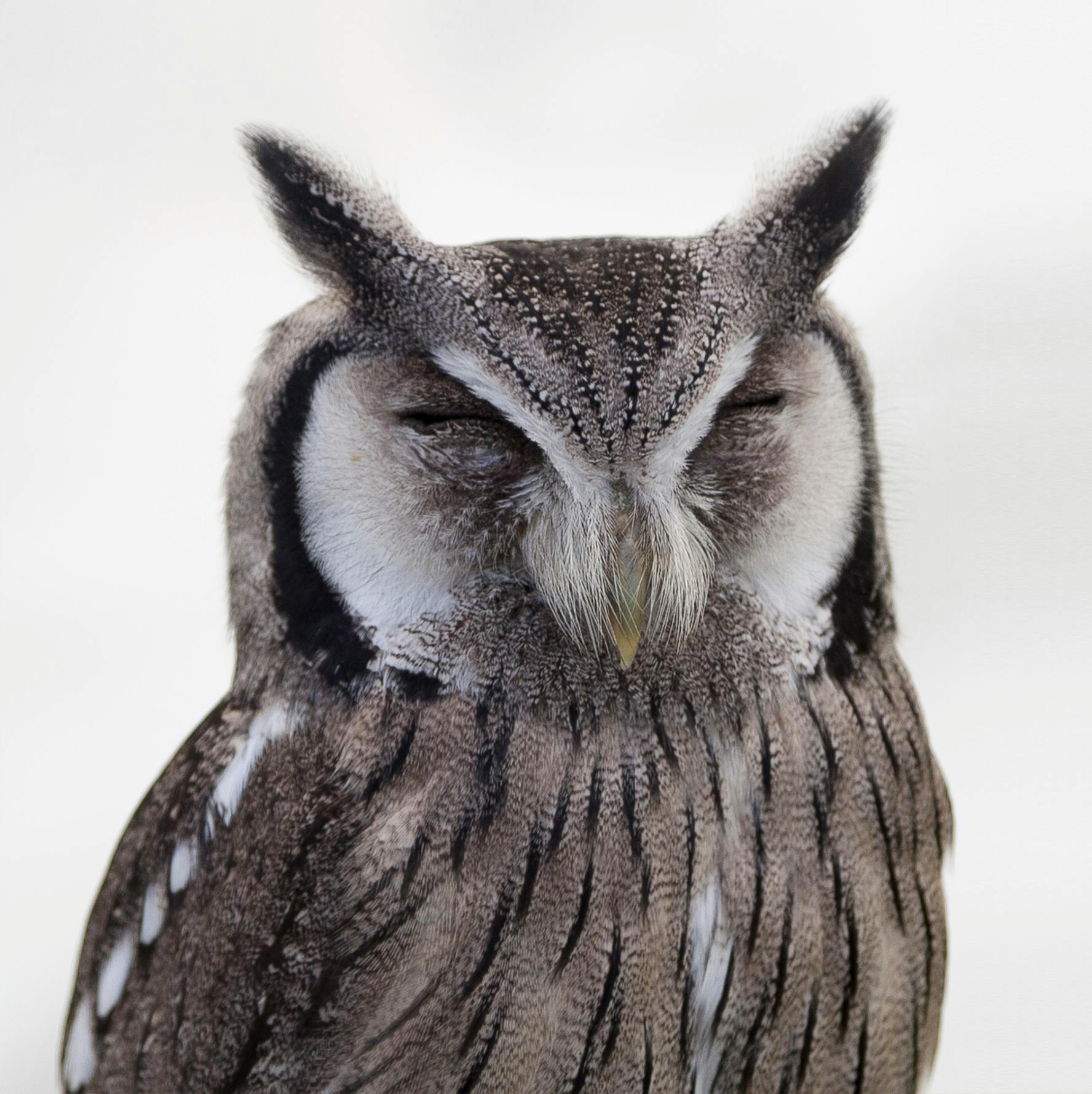
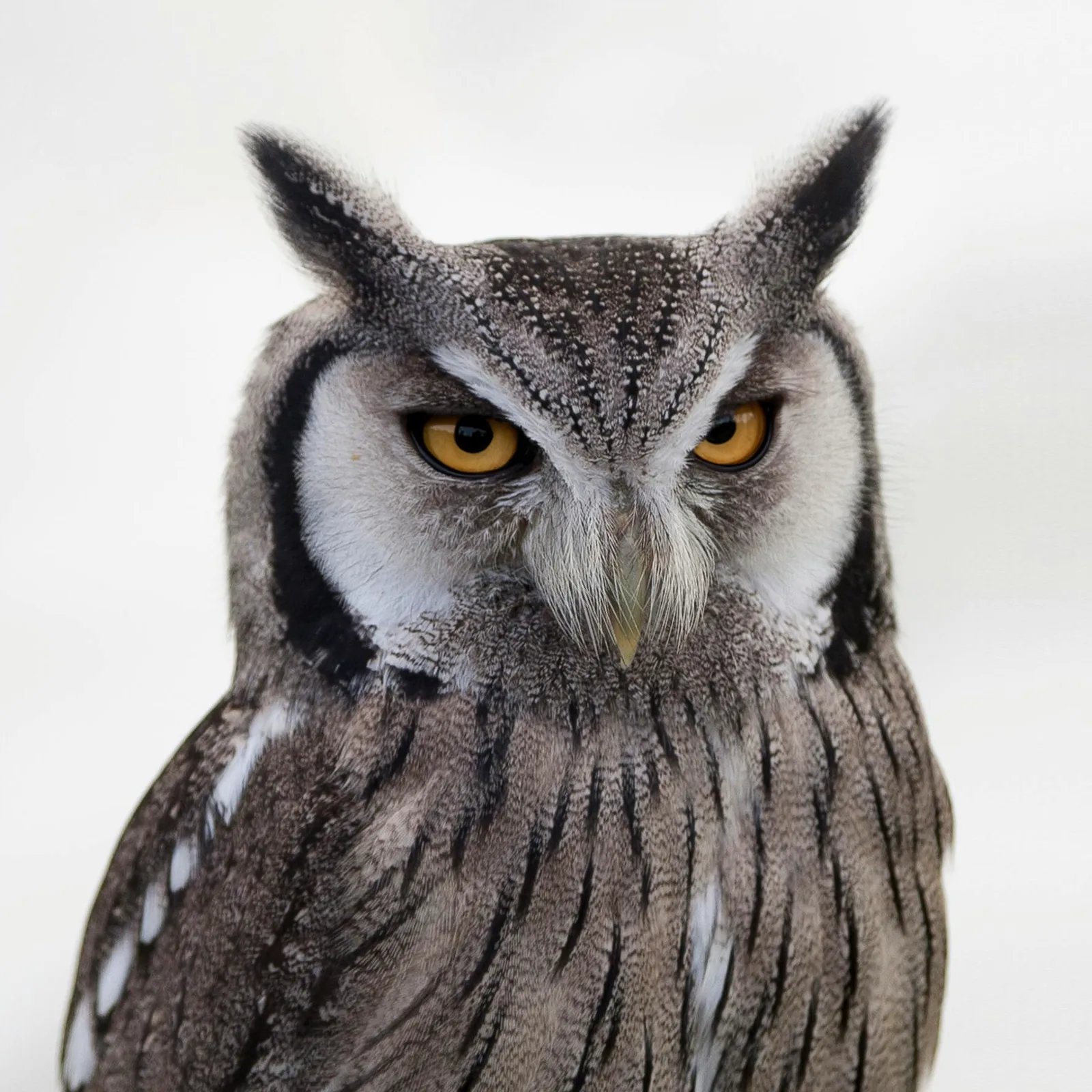
    <PromptDisplay prompt={"Open the owl's eyes naturally. Preserve its identity, head position, feather pattern, pose, lighting and the rest of the scene. Both eyes have the natural iris color and round dark pupils of this owl, correctly seated within the existing eyelids, with small reflections consistent with the source lighting."} />
  </Accordion>

  <Accordion title="Gaze direction">
    <Columns cols={2}>
      <Frame>
        <img src="https://cdn.sanity.io/images/2gpum2i6/production/f4cc0e2d6f1b37a40176de36b1afb03270cbc487-1120x736.png" alt="Input: woman looking away" />
      </Frame>

      <Frame caption="FLUX.2 result">
        <img src="https://cdn.sanity.io/images/2gpum2i6/production/1f3ffbe5abba7d217bf410216ca292ab8a002ee0-1120x736.png" alt="Output: woman looking at camera" />
      </Frame>
    </Columns>

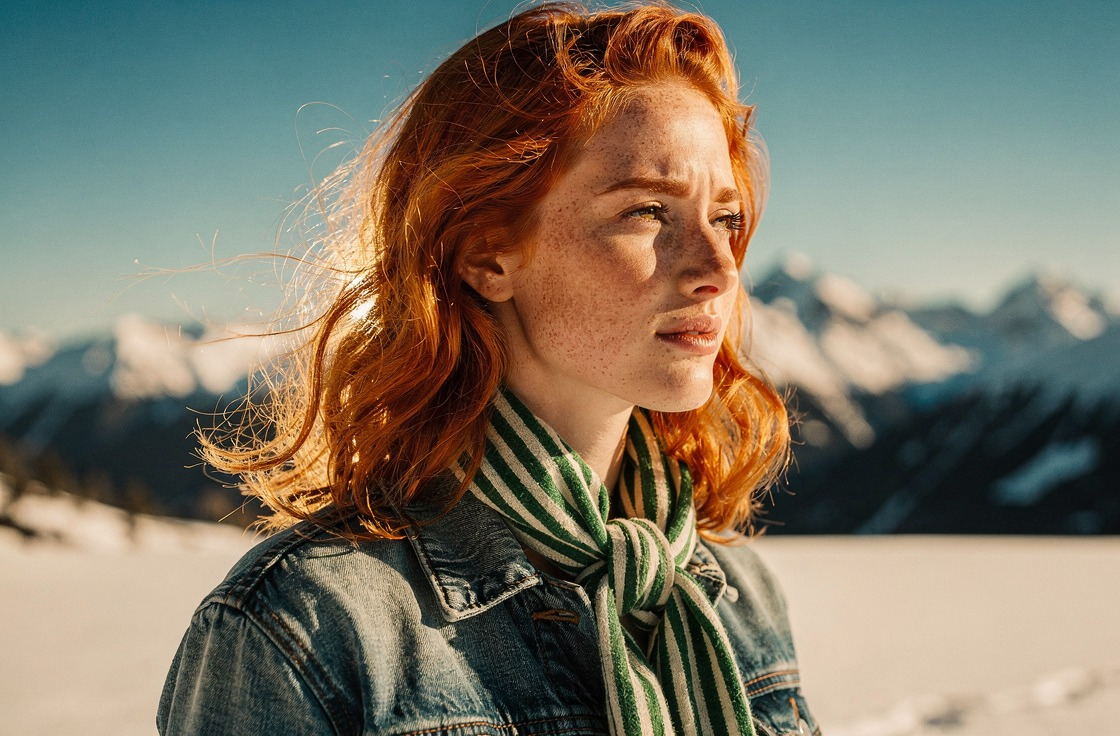
    <PromptDisplay prompt="The woman is now looking at the camera" />
  </Accordion>

  <Accordion title="Pose change">
    <Columns cols={2}>
      <Frame>
        <img src="https://cdn.sanity.io/images/2gpum2i6/production/c7e90ee8f22b9d2d807375b4fb56278c4909504c-1072x1920.png" alt="Input: woman in casual pose" />
      </Frame>

      <Frame caption="FLUX.2 result">
        <img src="https://cdn.sanity.io/images/2gpum2i6/production/4302b878aa72db273183e06d4ed46fe4388647d9-1072x1920.png" alt="Output: woman in model pose" />
      </Frame>
    </Columns>

    <PromptDisplay prompt="Change the woman's pose to a model-style pose." />
  </Accordion>
</AccordionGroup>

***

## Checklist: vague to specific

| Instead of | Write | What it adds |
| - | - | - |
| “Make it better” | “Warm the light to late-afternoon sun and soften the shadows on her face. Keep the background unchanged.” | A concrete change and what stays |
| “Change the shirt” | “Change the man’s grey T-shirt to #c0392b, keeping the print on the front.” | The target, the exact new value, a preserved detail |
| “Remove the car” (with two cars in frame) | “Remove the white car parked on the right. Keep the red car and the street unchanged.” | Only one thing matches |
| “Add some text” | “Add the words ‘Open late’ in white sans-serif letters on the shop window.” | The exact words, placement, and style |
| “Fix the image” | “Open the owl’s eyes, making them look natural.” | The defect named |

<CardGroup cols={2}>
  <Card title="Multi-reference editing" icon="images" href="/guides/prompting_editing_multi_reference">
    Combine up to 10 images in one FLUX 3 Image request.
  </Card>

  <Card title="Edit with boxes" icon="vector-square" href="/flux_3/flux3_image_bounding_boxes#edit-an-image">
    Target exact regions with box rows.
  </Card>
</CardGroup>


This documentation is built and hosted on [Mintlify](https://mintlify.com), a developer documentation platform.