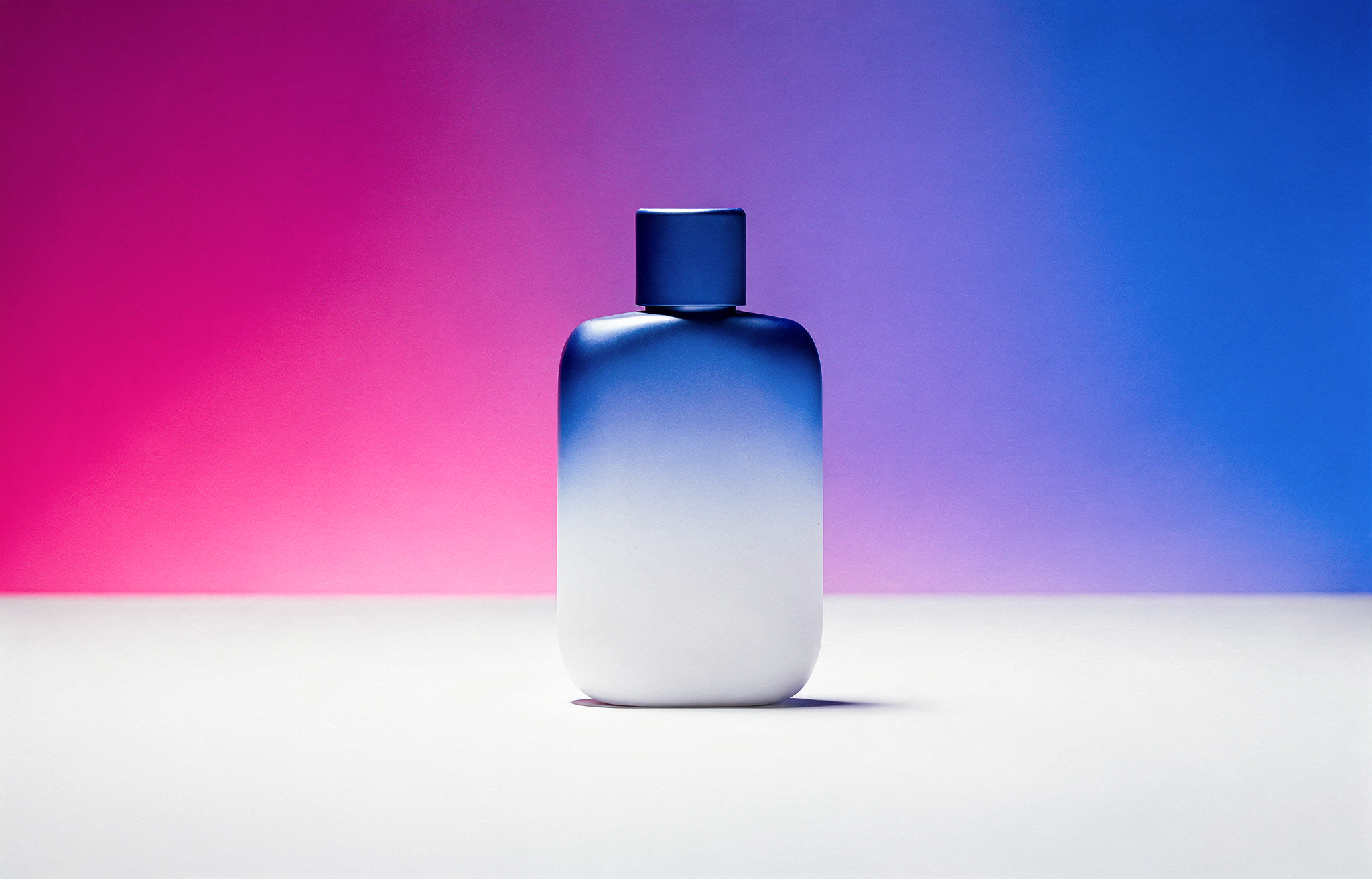
Use hex color codes in FLUX.2 prompts for precise color matching: ideal for brand consistency, design work, and exact color control.
Use hex codes to specify target colors in FLUX.2. Associate each code with an object or surface, using a phrase such as “the mug in color #FF0000”. Check the rendered color when accuracy matters.
Basic Syntax
Signal hex colors with keywords like “color” or “hex” followed by the code:
Apple: #0047AB
Walls: #C4725ASofa: #1B6B6FAccent: #E8A847
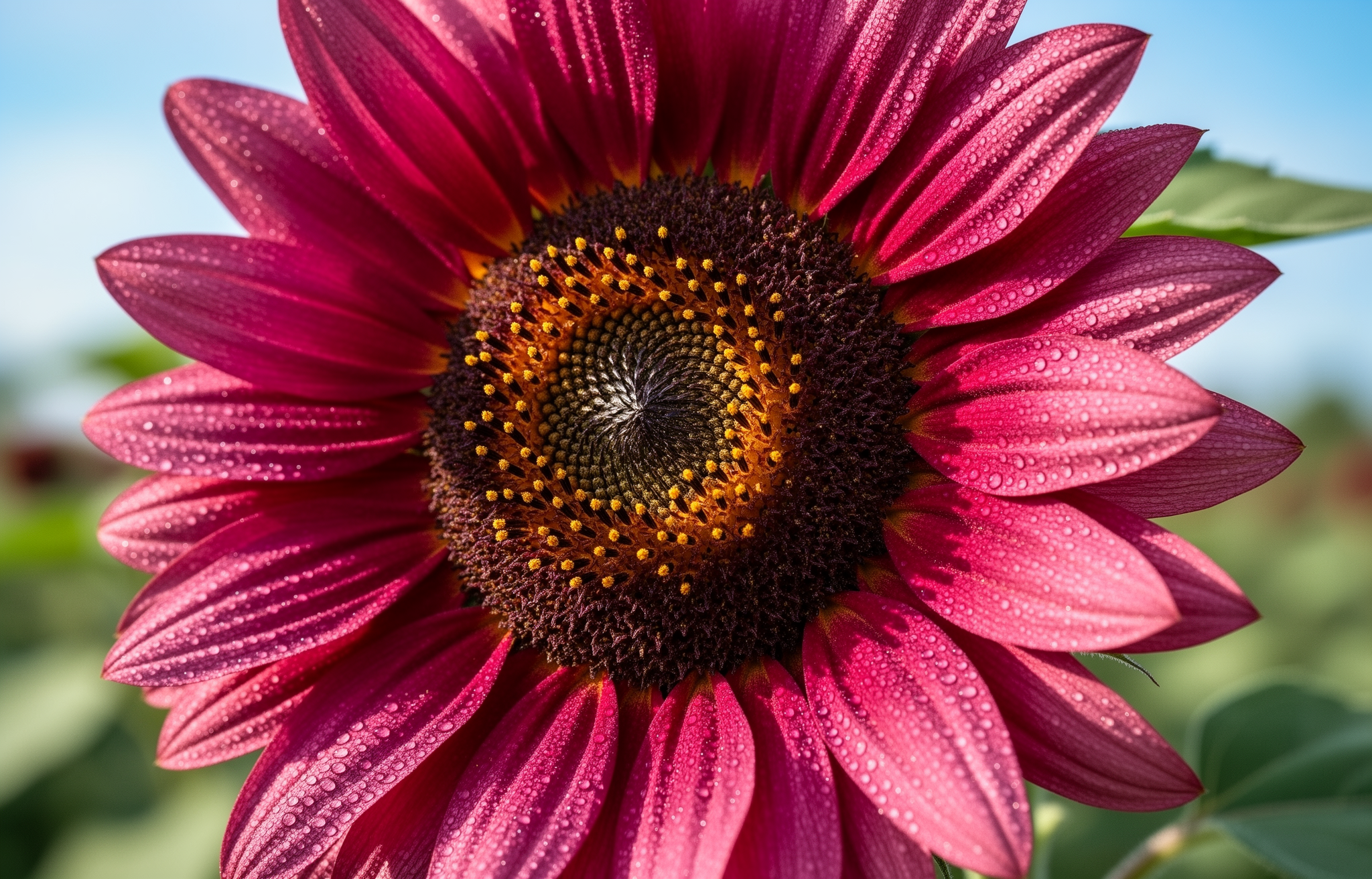
Sunflower: #C92695
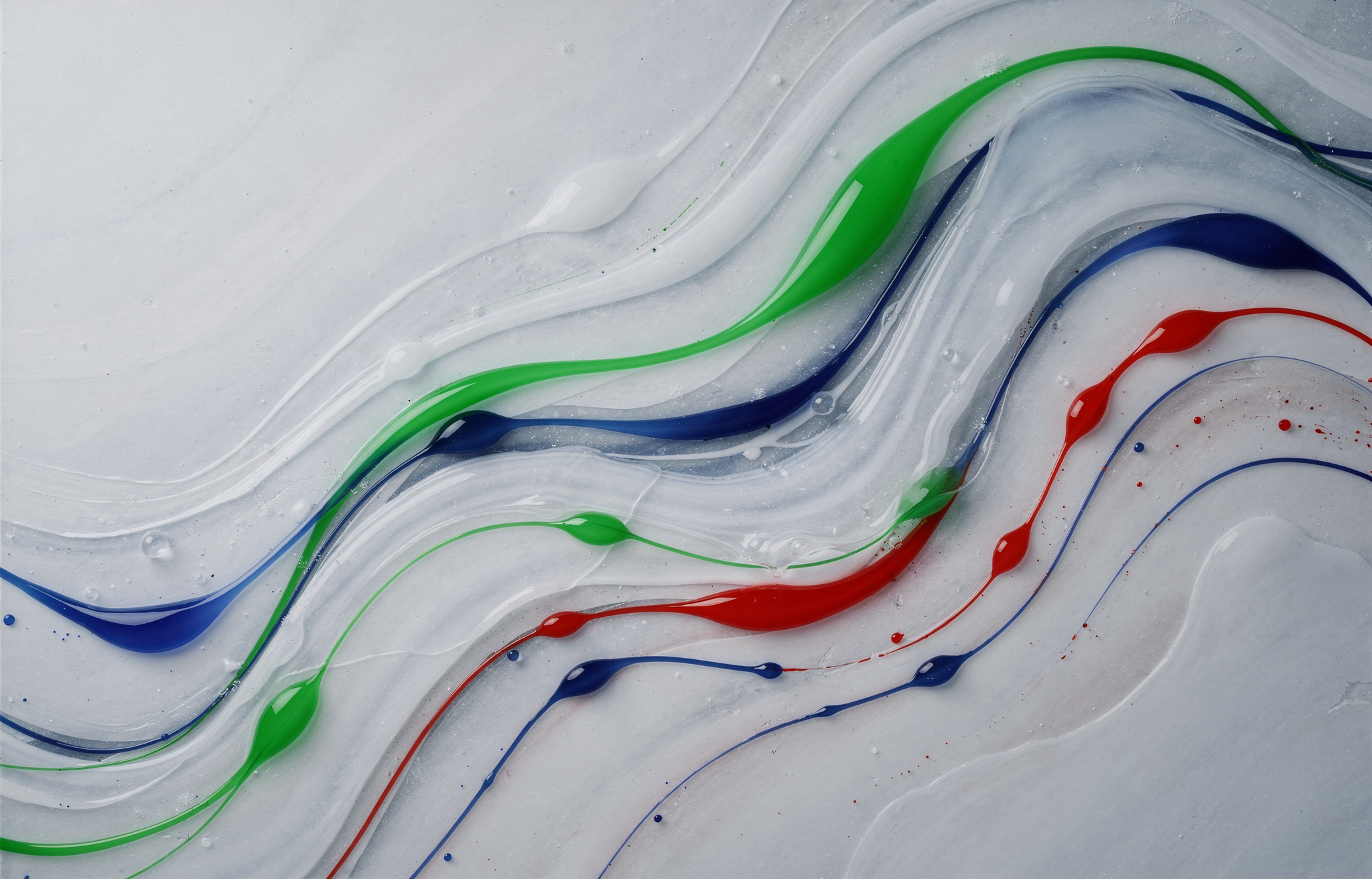
#00FF2F#0D00FF#FF0000
Gradient Colors
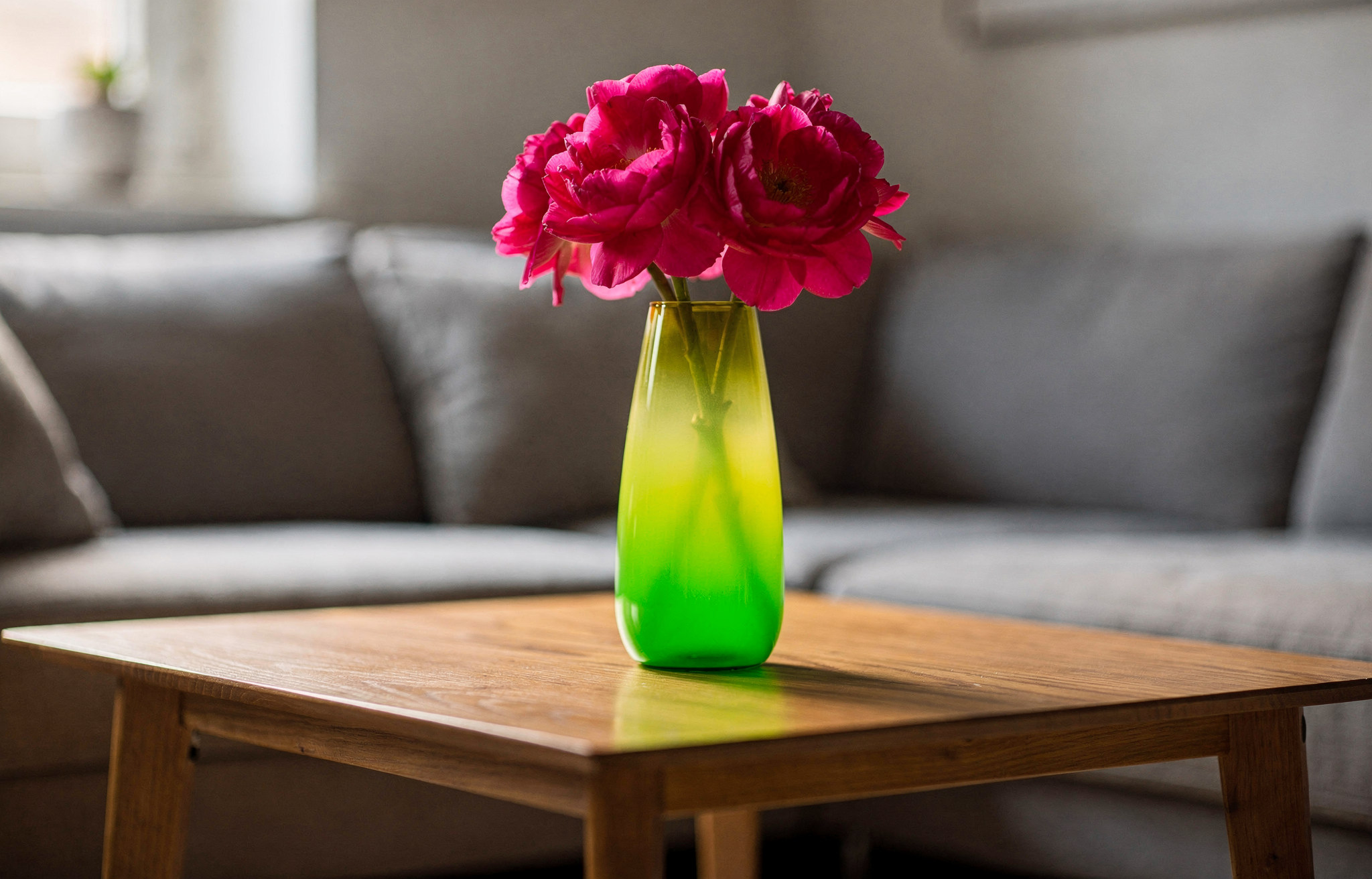
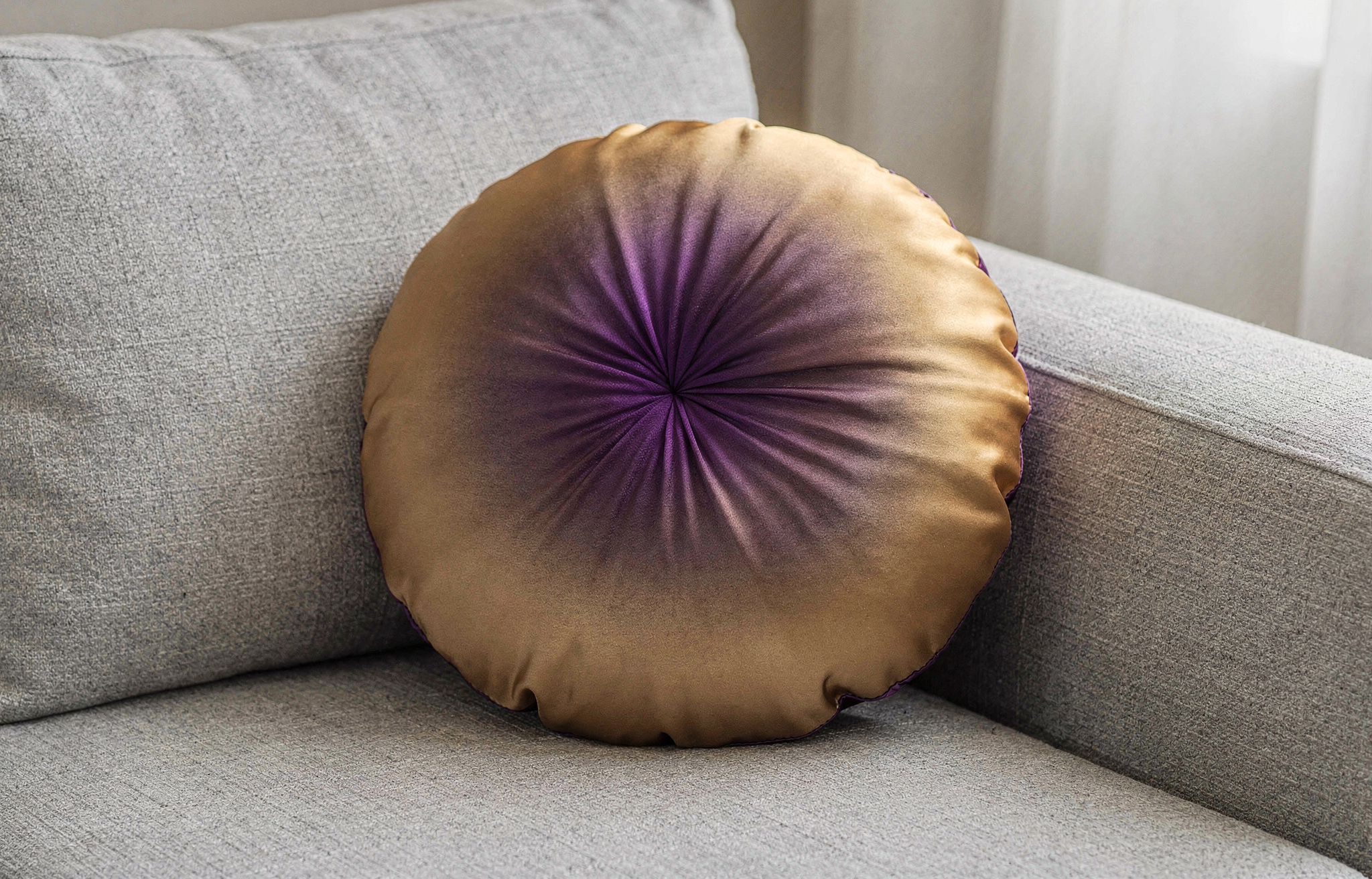
Apply gradients by specifying start and end colors:
Start: #02eb3cEnd: #edfa3cFlowers: #ff0088
Center: #6A0DADEdges: #FFD700
Upper: #1B0A3EMiddle: #CF6A2EHorizon: #E8728A
Pink: #FF0080Violet: #7928CACobalt: #0070F3
Hex codes work best when clearly associated with specific objects. Vague references like “use #FF0000 somewhere” may produce inconsistent results.