


Text Rendering Tips
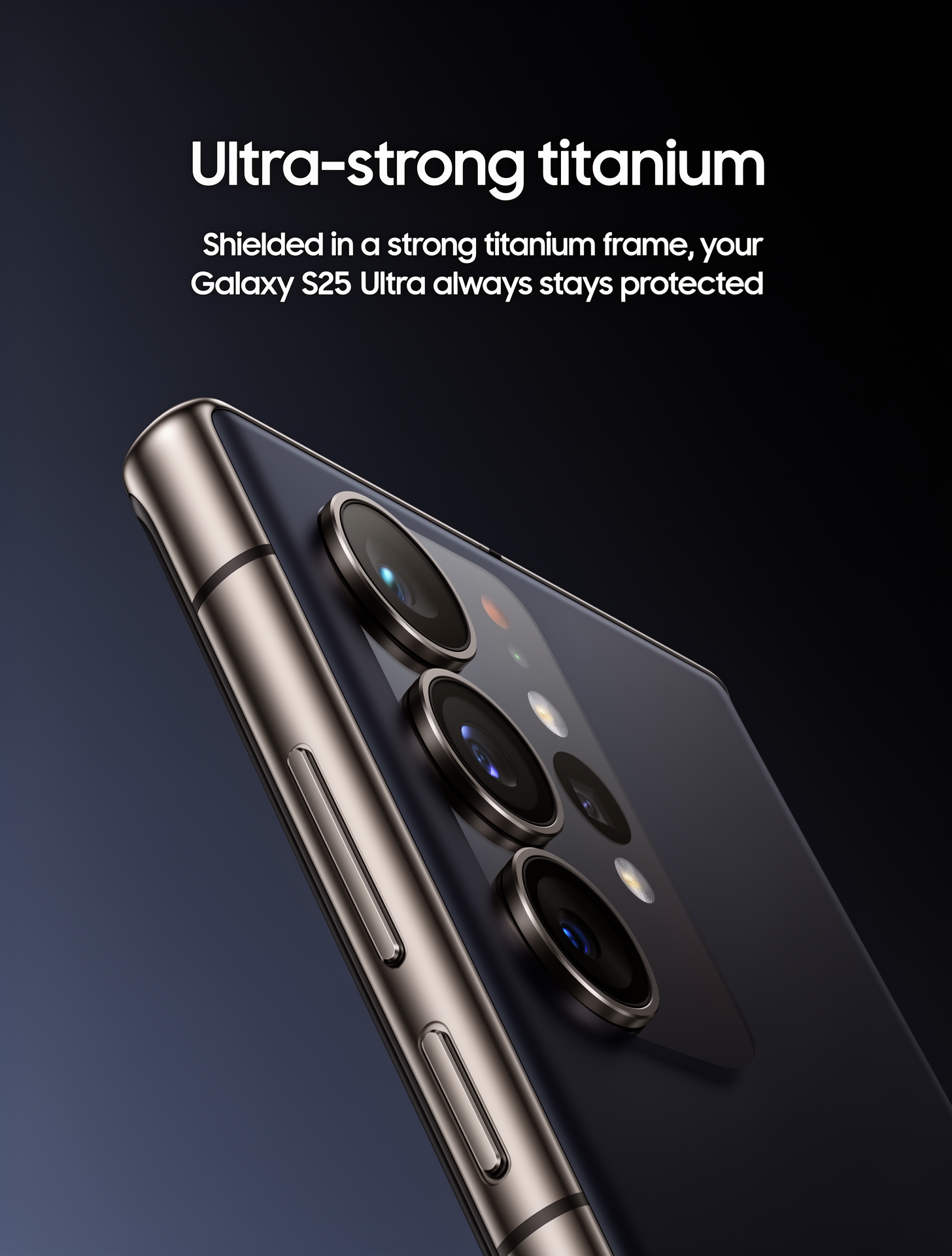
FLUX.2 can generate readable text when you describe it clearly:- Use quotation marks: “The text ‘OPEN’ appears in red neon letters above the door”
- Specify placement: Where text appears relative to other elements
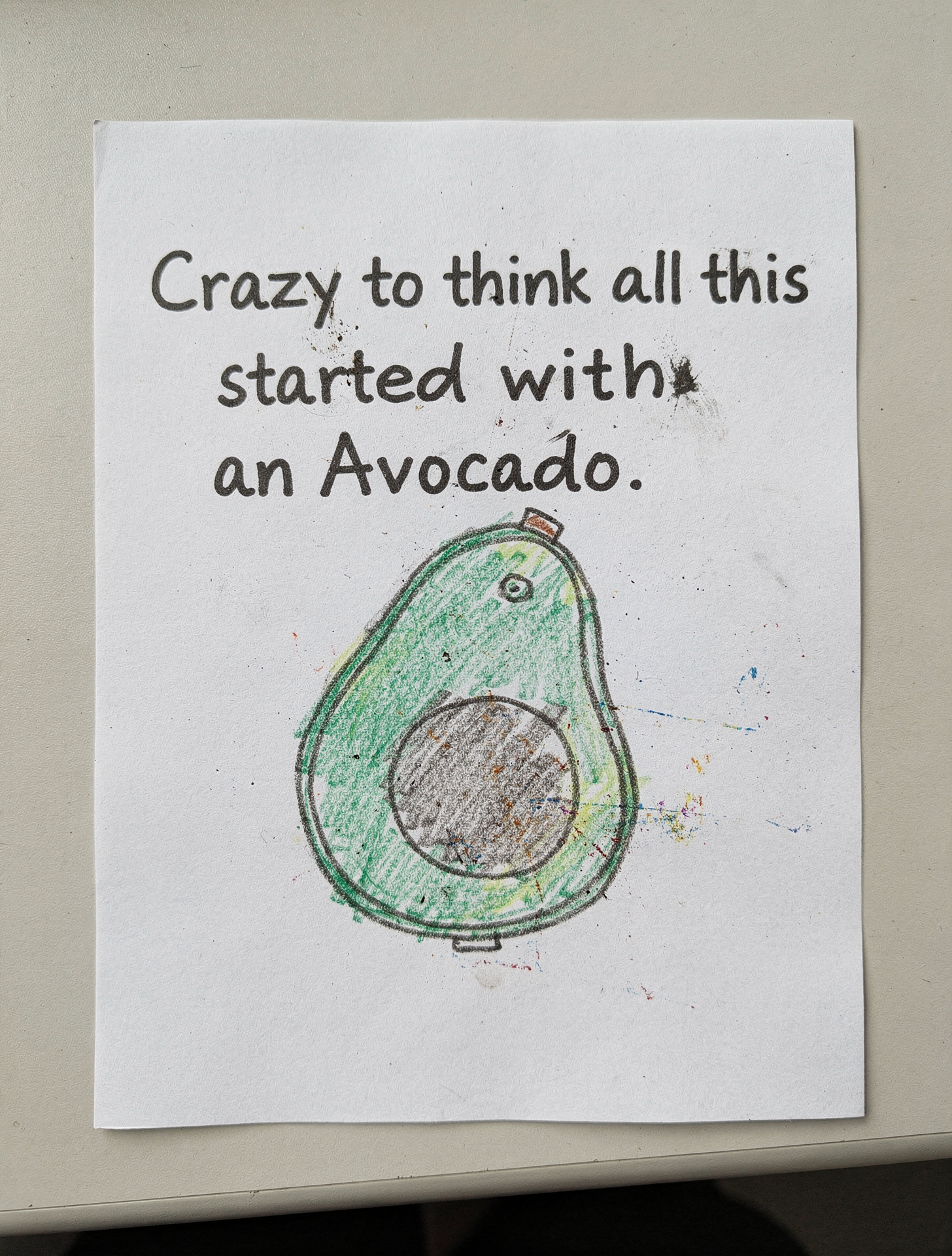
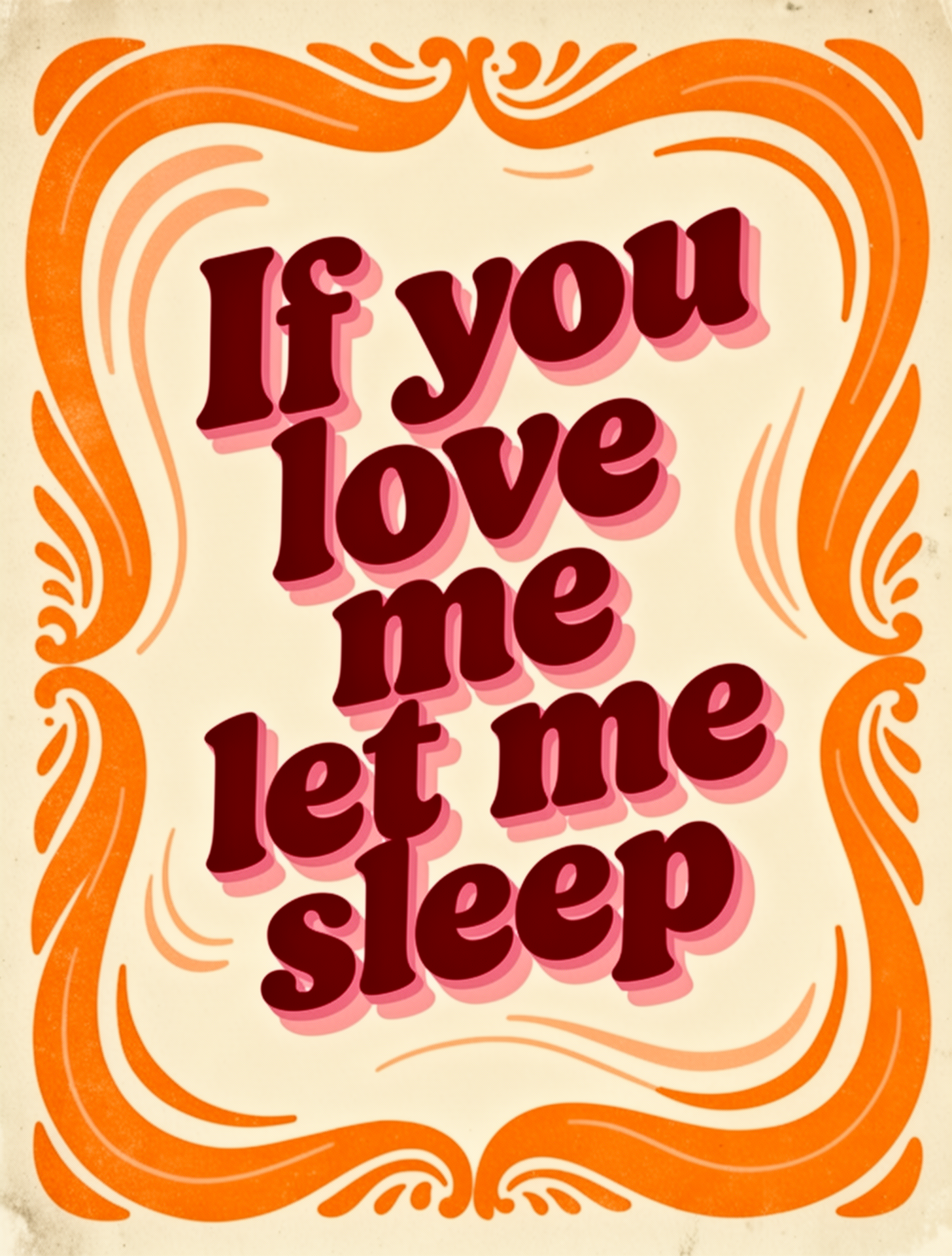
- Describe style: “elegant serif typography”, “bold industrial lettering”, “handwritten script”
- Font size: “large headline text”, “small body copy”, “medium subheading”
- Color: Use hex codes for brand text: “The logo text ‘ACME’ in color #FF5733”